
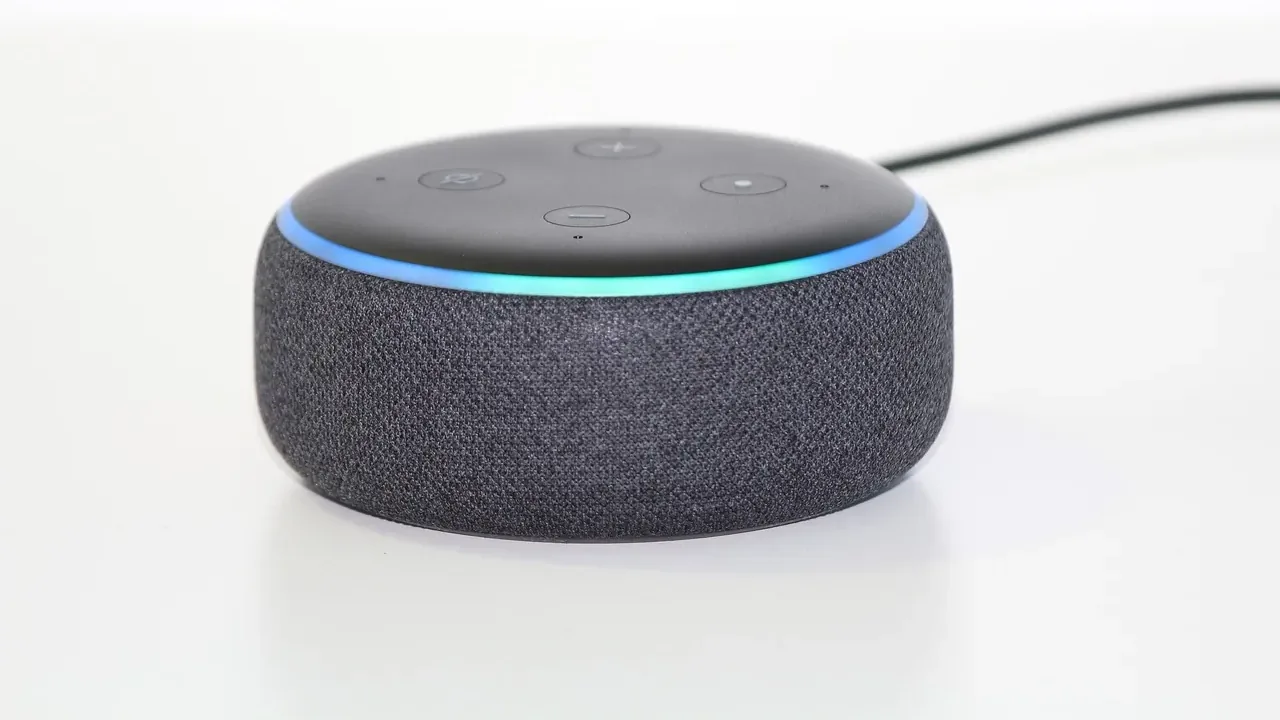
Local voice recognition processes spoken commands entirely on hardware inside your home, such as a smart speaker’s microcontroller, a dedicated home server, or a Neural Processing Unit (NPU), rather than streaming audio to cloud servers. It relies on a multi-stage software pipeline that handles wake-word spotting, speech-to-text transcription, intent parsing, and text-to-speech synthesis over your local network. Keeping that pipeline on-site eliminates internet latency, prevents household audio from leaving your router, and keeps voice controls operational during an internet outage.
What happens the moment you say a wake word?
A local voice assistant does not record and transcribe everything said in a room. Instead, it stays in passive listening mode, running low-power algorithms that wait for a specific trigger phrase such as “Hey Siri” or “Okay Nabu” before activating heavier speech models.
Before wake-word detection even evaluates your phrasing, the hardware filters the incoming signal. Microphone arrays and embedded audio processors isolate human speech from background noise and room echoes, while a lightweight Voice Activity Detection (VAD) algorithm (such as the open-source WebRTC VAD using Gaussian Mixture Models on 16-bit mono PCM audio) separates spoken segments from silence.
Once speech is detected, smart home platforms handle the wake word in one of two ways depending on the hardware:
- With on-device wake-word processing in systems like Apple’s on-device Siri architecture or Home Assistant’s microWakeWord, the detection model runs directly on the satellite speaker or phone. Apple’s voice trigger system pairs a low-power streaming conformer and transformer detector with a second-stage checker, local speaker verification (SpeakerID), and false-trigger mitigation models to reject background chatter or similar-sounding words like “seriously.” Similarly, microWakeWord runs on ESP32-S3 microcontrollers so audio streams over your Wi-Fi network only after the trigger phrase is confirmed.
- With hub-based wake-word processing, a room satellite using a simpler, lower-power chip like an M5Stack ATOM Echo continuously streams raw audio over the local network to a central hub. According to Home Assistant wake word documentation, a server-side engine like openWakeWord processes those incoming streams centrally, supporting up to roughly five concurrent audio feeds on a Raspberry Pi 4 before CPU load becomes a bottleneck.
How does a local hub turn speech into device actions?
After the wake word opens the audio stream, the central hub runs a three-part pipeline—Automatic Speech Recognition (ASR), Natural Language Understanding (NLU), and Text-to-Speech (TTS)—often linked together over standard local ports via modular tools like the Wyoming protocol.
First, the ASR engine converts your spoken waveform into plain text using an acoustic model and a language model. In a four-stage local voice pipeline documented by researchers in the National Library of Medicine, a convolutional neural network acoustic model works alongside a KenLM language model to transcribe 16-bit audio without external APIs.
Second, the NLU layer parses that transcribed text to separate your intent (such as turning a device off) from specific entities or slots (such as “kitchen” and “lights”). Systems accomplish this using either structured sentence-pattern matching or compact local transformer models like BERT. Once the hub identifies the target device, it dispatches the command over local radio protocols, including Zigbee, Z-Wave, Thread, Matter, or local Wi-Fi, completing the action without touching the internet. Readers comparing wireless standards for that final step can see how smart home protocols work across local mesh networks.
Third, if the assistant needs to speak back to confirm an action or answer a query, a local neural TTS engine generates the audio response. On Home Assistant hubs, the Piper TTS engine synthesizes speech locally, producing 1.6 seconds of spoken audio per second on a Raspberry Pi 4, and sends the waveform back to the room satellite’s speaker.
Why are close-ended speech models faster than Whisper?
Not all local speech-to-text engines work the same way, and choosing between open-ended and close-ended transcription determines how fast your lights respond on modest hardware.
Open-ended ASR models, such as OpenAI’s Whisper running locally, attempt to transcribe any word in a spoken language. That flexibility makes Whisper useful for open dictation or feeding questions into a local Large Language Model (LLM), but searching a massive vocabulary demands heavy compute. In Home Assistant local assistant benchmarks, Whisper takes roughly 8 seconds to transcribe a voice command on a Raspberry Pi 4 CPU, compared to under 1 second on an Intel NUC mini PC.
Close-ended models trade open vocabulary for speed. Home Assistant’s Speech-to-Phrase engine combines a Kaldi-based acoustic model with pre-generated sentence templates populated strictly with your exposed device, area, and floor names, backed by a fuzzy-matching layer to catch minor pronunciation slips. Because the engine only listens for commands that match your actual home setup, it transcribes requests in under 1 second even on a Raspberry Pi 4 or Home Assistant Green.
| Local Component | Example Tool | Where It Runs | Role in Pipeline |
|---|---|---|---|
| On-device wake word | microWakeWord | ESP32-S3 satellite | Detects trigger phrase before streaming audio |
| Hub wake word | openWakeWord | Central home server | Monitors continuous audio streams from thin satellites |
| Close-ended STT | Speech-to-Phrase | Central home server | Matches audio against local device and room templates |
| Open-ended STT | Whisper | Mini PC or NPU server | Transcribes unrestricted vocabulary for LLMs or dictation |
| Local TTS | Piper | Central home server | Synthesizes spoken replies without cloud audio APIs |
How do you connect a local voice pipeline in Home Assistant?
On Home Assistant (2025 releases and newer), modular voice engines communicate over the Wyoming protocol and link together inside the interface:
- Install your chosen local voice add-ons, such as Whisper or Speech-to-Phrase for speech-to-text, Piper for text-to-speech, and openWakeWord if using streaming satellites, from the add-on store or as Docker containers on a local server.
- Open Settings > Devices & services, select Add integration, and choose Wyoming Protocol.
- Enter the local IP address and port number for each running service (for example, standard Docker deployments often expose Piper on port 10200, Whisper on port 10300, and openWakeWord on port 10400).
- Navigate to Settings > Voice assistants and select Add assistant.
- Assign your local conversation agent, your Wyoming speech-to-text engine, your Piper text-to-speech voice, and your wake-word engine to the new pipeline, then set it as the active assistant on your room satellite.
If a satellite fails to trigger or drops commands after setup, check two common bottlenecks first. If you are running openWakeWord on a Raspberry Pi 4 with more than five streaming microphones, switch your satellites to ESP32-S3 hardware running microWakeWord so trigger detection stays on the endpoints. If open-ended Whisper transcription lags for several seconds on a low-power board, swap the speech-to-text engine to Speech-to-Phrase or offload Whisper to an Intel NUC or NPU-equipped board. In a 2026 Hackster.io NPU benchmark running the full Wyoming stack on a Rockchip RK3576 board, Whisper transcription dropped to 0.626 seconds and Piper synthesis averaged 0.474 seconds.
What do people commonly get wrong about local voice control?
Several assumptions trip up buyers and builders moving away from cloud smart speakers:
- Many users assume on-device wake words mean offline commands, because commercial smart speakers run wake-word detection locally on embedded chips so they do not stream audio 24/7, yet standard cloud configurations still send the recording after the wake word to remote servers for full transcription and intent matching. True local voice recognition requires every stage from ASR to device execution to stay inside your home network.
- Another common mistake is assuming you need an expensive GPU for basic room control, when heavy graphics cards are only necessary if you want to run large open-ended speech models alongside a local LLM for conversational Q&A. Standard smart home commands, including turning on switches, adjusting thermostats, or checking sensors, run in under a second on low-power ARM boards using close-ended grammar models.
- Builders also frequently overlook language boundaries because cloud assistants support dozens of languages out of the box, whereas local models vary widely by engine. As of 2025, Home Assistant’s openWakeWord officially supports English out of the box (with custom community models available), Porcupine v1 covers 29 wake words across English, French, Spanish, and German, and Speech-to-Phrase supports English, French, German, Dutch, Spanish, and Italian.
Frequently asked questions
Can a local voice assistant answer general knowledge questions like a cloud speaker?
A standard local command pipeline only recognizes smart home intents, timers, and local sensor states. To answer open-ended trivia or summarize information offline, you must connect an open-ended speech-to-text engine like Whisper to a locally hosted Large Language Model running on hardware with enough RAM and NPU or GPU acceleration to generate text quickly.
Does local voice recognition improve smart home reliability?
Yes. Research on edge and fog smart home architectures shows that keeping speech processing on the local network removes wide-area network congestion and cloud round-trip delays, keeping response times consistent even when external internet connections slow down or drop.
What hardware do you need in each room for local voice control?
You need a voice satellite equipped with a microphone array, a small speaker for audio replies, and a microcontroller capable of streaming audio over Wi-Fi. Boards built around the ESP32-S3 chip are widely used because they have enough processing power to run microWakeWord directly on the satellite rather than streaming continuous audio to your server.