
Older games often suffer from blurry graphics because developers abandon them before updating their upscaling technology. You get stuck with aging files that smear fine details in motion. Nvidia just bypassed the developers entirely.
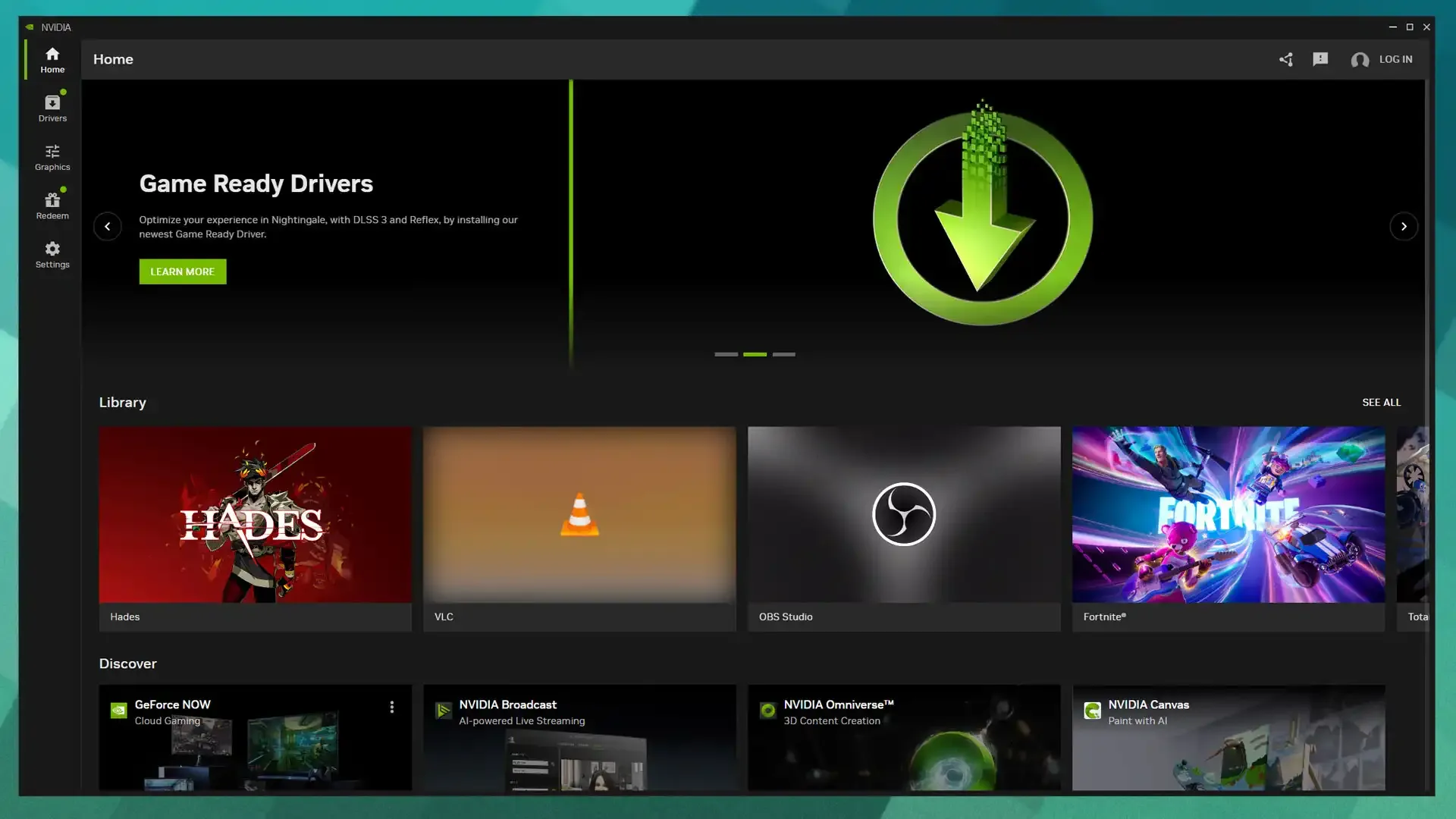
The new Nvidia App now features a native DLSS Override. This tool allows you to force the latest DLSS 4.5 transformer models into any title supporting DLSS 2.0 or newer. You don’t have to wait for an official game patch anymore.
Inside the Nvidia App, you navigate through the graphics menu to the global settings, and select the DLSS Override option. From there, you switch the model presets to custom. This opens up three distinct algorithmic options: Presets K, L, and M.
Preset K defaults to the first-generation transformer model that launched with DLSS 4. If you want the actual visual upgrade, you need to select Preset L or M. According to recent hardware testing, these newer profiles drastically improve foliage rendering and clean up moving objects. The performance modes scale well on high-end hardware. If you avoided the used RTX 4080 market and went straight for an RTX 4090, the 4K Ultra Performance mode under Preset L delivers exceptional clarity.
Driver Signatures End Anti-Cheat Bans
PC gamers previously fixed this blur problem manually. They used third-party utilities like DLSS Swapper to inject new files directly into their game installation folders. That caused major headaches.
Games protected by Easy Anti-Cheat or Digital Rights Management would often flag the modified files. Players trying to sharpen textures in titles like Space Marine 2 faced launch failures or account bans.
This official update eliminates that risk. Nvidia implemented a local whitelist system within the ApplicationStorage.json file. Because the app alters the upscaling behavior through signed driver paths rather than modifying the game executable folder, anti-cheat software ignores the change.