
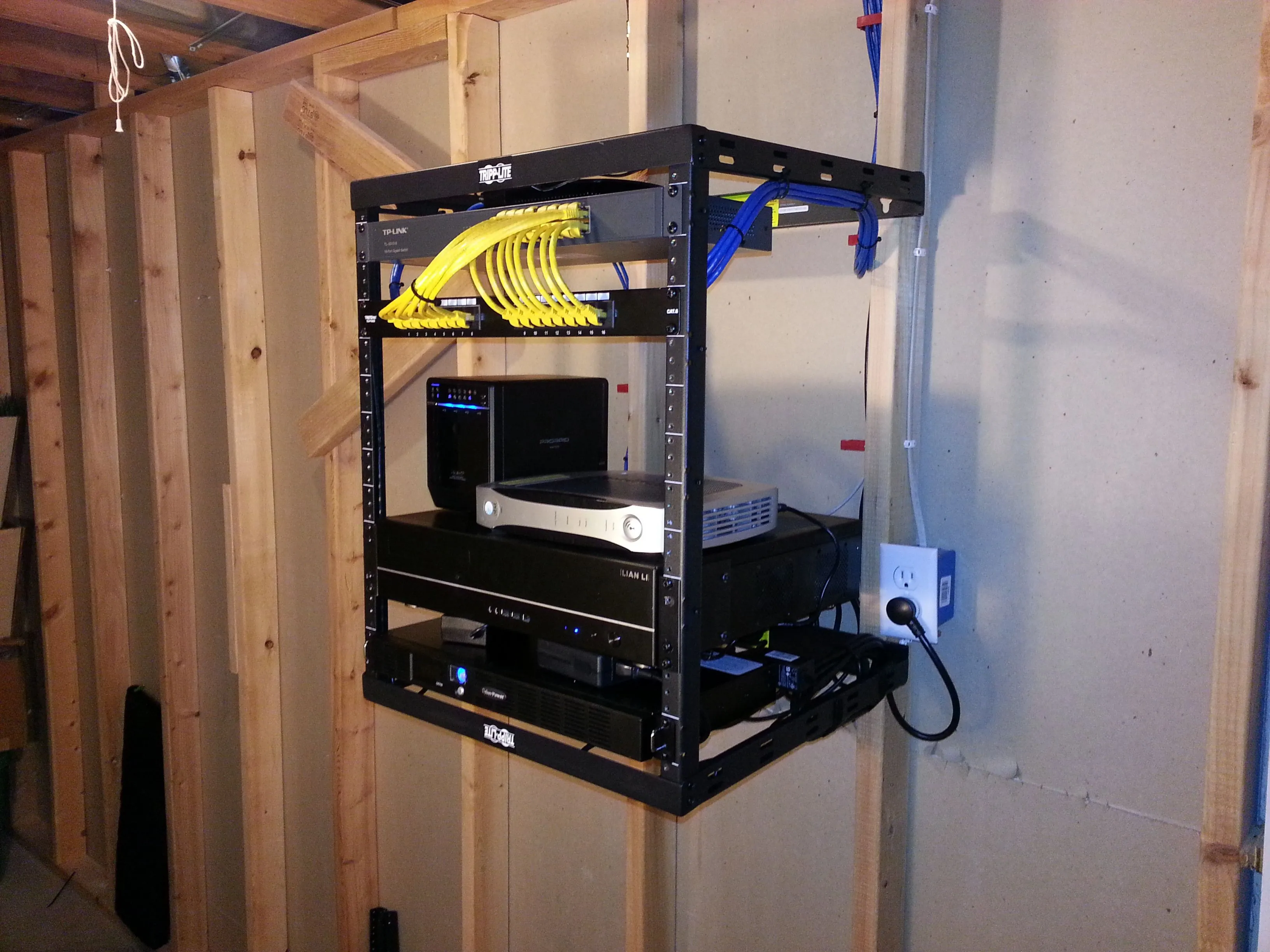
Moving a long-running home lab is rarely as simple as unplugging a server and plugging it back in at a new address. For tech enthusiasts maintaining 24/7 services, the process of relocating hardware often exposes hidden dependencies in networking and power management that can trigger a total system collapse.
Recent reports from home lab administrators highlight that even a routine move can lead to cascading failures, particularly when dealing with aging hardware or ISP infrastructure shifts. Ty Sherback recently detailed his own experience moving a Proxmox-based setup, revealing how simple physical changes can cause significant downtime in modern virtualized environments, as documented in his recent recount.
The Hidden Risks of Carrier-Grade NAT
One of the most persistent hurdles for home lab owners in 2026 is the widespread adoption of Carrier-Grade NAT (CGNAT) by residential internet service providers. This architecture, which shares a single public IPv4 address across multiple households, effectively disables traditional port forwarding.
For those relying on self-hosted services like game servers or media remote access, moving to a new ISP often means losing public-facing functionality overnight. As noted by VirtualizationHowTo, modern networking best practices now frequently demand the implementation of WireGuard tunnels through an off-site VPS or a full migration to IPv6 to bypass these new ISP-level constraints.
CMOS Resets and Authentication Loops
Physical relocation can also trigger unforeseen firmware issues. Sherback noted that removing a dedicated GPU for transport led his system to fail its power-on self-test (POST). When the motherboard’s fallback iGPU failed to initialize correctly, clearing the CMOS became the only solution to restore boot functionality.
However, clearing the CMOS often resets the motherboard’s real-time clock to a default value, which can be years behind the current date. This creates a critical issue for systems like Proxmox, which validate authentication tickets against the system time. If the server clock is inaccurate, the web management interface may trap the user in an endless login loop, as verified by technical guides on SME Node Academy.