
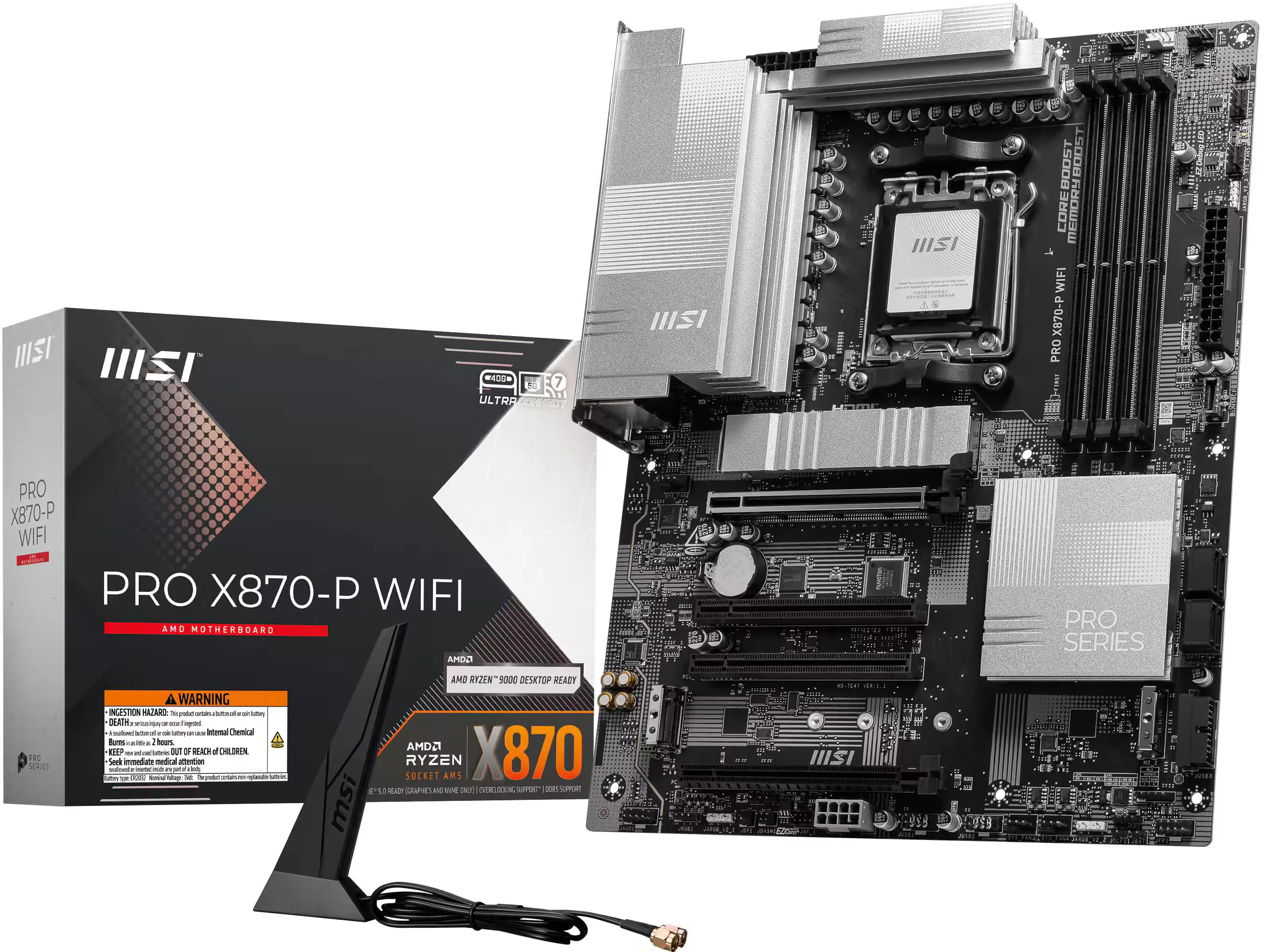
Newly built desktop computers utilizing DDR5 memory are experiencing significantly longer boot times than older DDR4 systems. The delay happens during the Power-On Self-Test (POST) phase, where the motherboard and RAM execute a rigid hardware verification step called memory training. This delay occurs because the hardware executes a rigorous process, calibrating delicate sub-timings to ensure system stability before loading the operating system.
The transition to DDR5 architecture introduces much higher complexity. With base speeds starting at 4,800 MT/s and independent 32-bit sub-channels, the central processor’s memory controller must negotiate precise power delivery with the memory’s on-die Power Management ICs. This careful calibration takes real physical time, especially when users activate high-speed overclocking profiles like Intel XMP or AMD EXPO.
What We Know
- DDR5 memory modules feature onboard power management systems that require complex voltage negotiations during startup.
- The boot delay is most noticeable on AMD’s AM5 platform, which has historically struggled with lengthy memory training periods.
- Users can manually enable “Memory Context Restore” in their BIOS to bypass the full training process on warm boots.
- Activating “Power Down Enable” alongside this setting prevents random system crashes when the computer is idle.
While Intel systems experience this calibration, the delay is uniquely pronounced on AMD’s AM5 platform, where high-speed memory profiles frequently push boot times past the one-minute mark. Early versions of AMD’s AGESA firmware struggled to quickly lock in the required electrical parameters, forcing users to stare at black screens while their hardware continuously verified its own stability.
To fix this frustrating wait, motherboard manufacturers integrated a specific BIOS override called Memory Context Restore (MCR). This BIOS feature works by caching previously successful training parameters, recycling them on subsequent warm reboots so the system can skip the entire verification step. When activated, MCR often drops a one-minute POST time down to just 15 or 20 seconds.
There is a secondary requirement to keep the system stable when bypassing the full memory check. Users must also turn on “Power Down Enable” in their motherboard settings. This specific function drops the RAM voltage when the computer is sitting idle. If users turn on MCR without enabling this power-down feature, they often encounter Blue Screen of Death (BSOD) errors as the memory controller struggles to manage power states using older, cached data.
How High-Frequency Memory Shifts Motherboard Design
The slow boot issue highlights a structural change in how modern computer hardware interacts. During the DDR4 era, memory frequencies were slower, and the electrical signal margins were wide enough that memory training happened almost instantaneously in the background. Most users never noticed it. The leap to DDR5 pushes silicon to such extreme frequencies that physical hardware calibration is no longer an invisible background task.
This architectural shift forces motherboard vendors like ASUS, MSI, and Gigabyte to act as software companies, constantly issuing BIOS firmware updates to optimize how quickly their boards can talk to the RAM. Features like Memory Context Restore are essentially bridge solutions—software patches designed to hide the physical limitations of high-speed hardware calibration from the end consumer.