
Home Assistant has made massive strides in protecting your smart home data. But for power users running the platform inside virtualized environments, relying solely on the application’s internal backup tool leaves a critical blind spot.
If the underlying container stack completely crashes, recovering from a native backup is agonizingly slow. You have to rebuild the environment from scratch before you can even feed the system your saved data. That harsh reality is driving a visible shift toward hypervisor and network-attached storage (NAS) snapshots to keep smart homes online.
The Container Manager Advantage
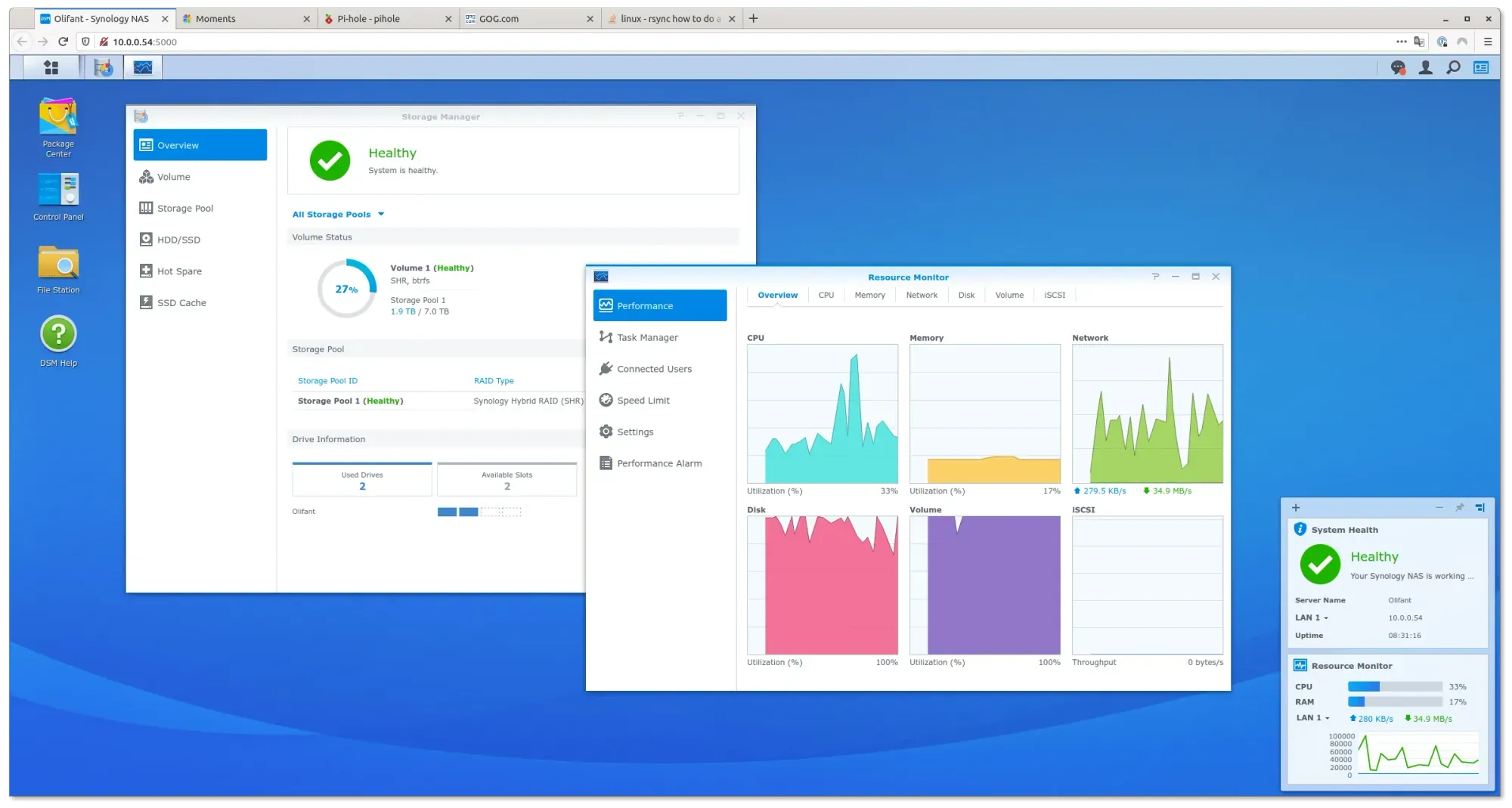
A recent system migration guide highlights exactly how to bypass this vulnerability using Synology hardware. By leveraging Snapshot Replication alongside Container Manager, users running Home Assistant 2026.07 can capture the entire operating state of their setup, rather than just exporting the configuration data.
This means you aren’t just saving your Zigbee device lists or automation scripts. You are freezing the entire application environment in time. If a bad update nukes your smart home dashboard, you just roll back the entire container instance in seconds.
And that speed matters when your house refuses to turn the lights on.
Beyond the Backup Wizard
The native Home Assistant backup system is far from broken. Back in January 2025, the platform rolled out a foundational 2025.1 update. That patch introduced a built-in Backup Wizard and automated encrypted cloud storage for active subscribers. For a standard Raspberry Pi installation, that pipeline is perfectly sufficient.
But virtualization changes the math. If you are running Proxmox or Synology DSM, native application backups only save what is inside the app. Hypervisor snapshots protect the very existence of the app itself, acting as a much deeper fail-safe.
The Verdict
If you run Home Assistant on dedicated bare-metal hardware like a Yellow or Green hub, stick to the native Backup Wizard. It works exactly as intended. But if your smart home brain lives inside a Docker container or a VM on a Synology NAS, you must enable Snapshot Replication. The native tools protect your data, but NAS snapshots protect your sanity when the host environment inevitably breaks.