
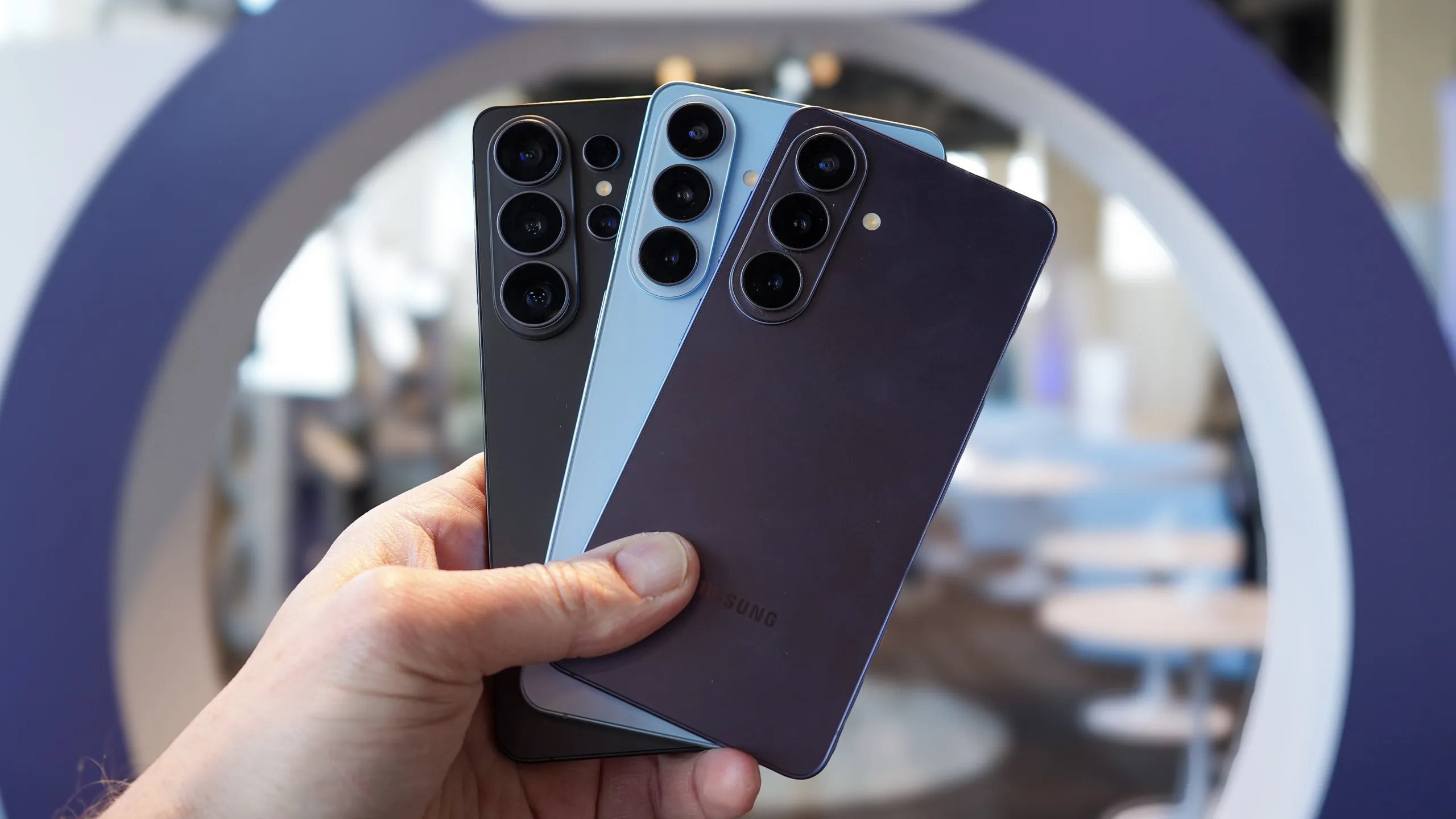
The battery inside your Samsung Galaxy is taking a beating right now. Following the recent April and May One UI 8.5 security updates, a severe software regression started chewing through screen-on time for newer flagship devices. Users report sudden overheating and extreme power drops, with some phones plummeting from a healthy 75% to dead in just a few hours.
This isn’t just a minor annoyance for a handful of heavy users. The problem is baked deep into the operating system’s background processes. And while disabling a few standard tracking settings helps stop the bleeding, the root cause is hiding in a core system app you probably never think to update.
What We Know
- The battery drain originates from a corrupted scanning loop inside the native Samsung Keyboard application.
- Samsung explicitly confirmed the defect and changed its internal support directives to address it.
- Users must manually navigate to the Galaxy Store to install keyboard version 5.9.30.81 to stop the memory leak.
- The issue predominantly affects devices running the latest One UI 8.5 software patches.
Patrick O’Rourke recently broke down his own frustrating experience with the issue on XDA Developers. Testing a Galaxy S21 FE—which relies on a modest 4500 mAh cell—he found that immediately disabling specific One UI background features was essential for survival. He pointed straight at the “Digital Wellbeing Usage Access” setting. That feature runs a continuous 24/7 parental monitoring track. He also flagged “Nearby Device Scanning and Print” services, which constantly ping for nonexistent connections.
Shutting those down buys you some time. But the hardware strain happening behind the glass is severe. In a recent poll analyzing the fallout, data indicates up to three out of four Galaxy S24 and S25 users have been affected by the recent security patch battery drain and overheating issues. The power drops are remarkably steep. There are verified reports of Galaxy S24 and S25 users experiencing abnormal drops from 75% to zero in hours after applying the April update.
The actual culprit is a corrupted background scanning loop within the native Samsung Keyboard system app. Samsung updated their troubleshooting directives and explicitly confirmed that this specific keyboard process is the source of the high power consumption on the Galaxy S26 and older models. They mandate an immediate patch. You have to open the hidden Galaxy Store, search for the Samsung Keyboard app, and manually force the update to version 5.9.30.81 or newer. That stops the loop entirely.
Why Background System Apps Keep Breaking Modern Phones
Samsung is not the only manufacturer struggling to keep optimization under control this year. Google Pixel owners are concurrently reporting constant unexpected reboots and extreme power consumption on the Pixel 10 Pro following recent Android 16 security updates.
We are seeing a distinct engineering trend where minor system applications—like keyboards or digital wellbeing monitors—are given unrestricted background access to core memory loops. When a security patch slightly alters how the operating system handles that memory, these invisible apps spiral out of control and drain the physical battery faster than the screen itself. It proves that throwing larger batteries at poorly optimized software is a losing battle.