
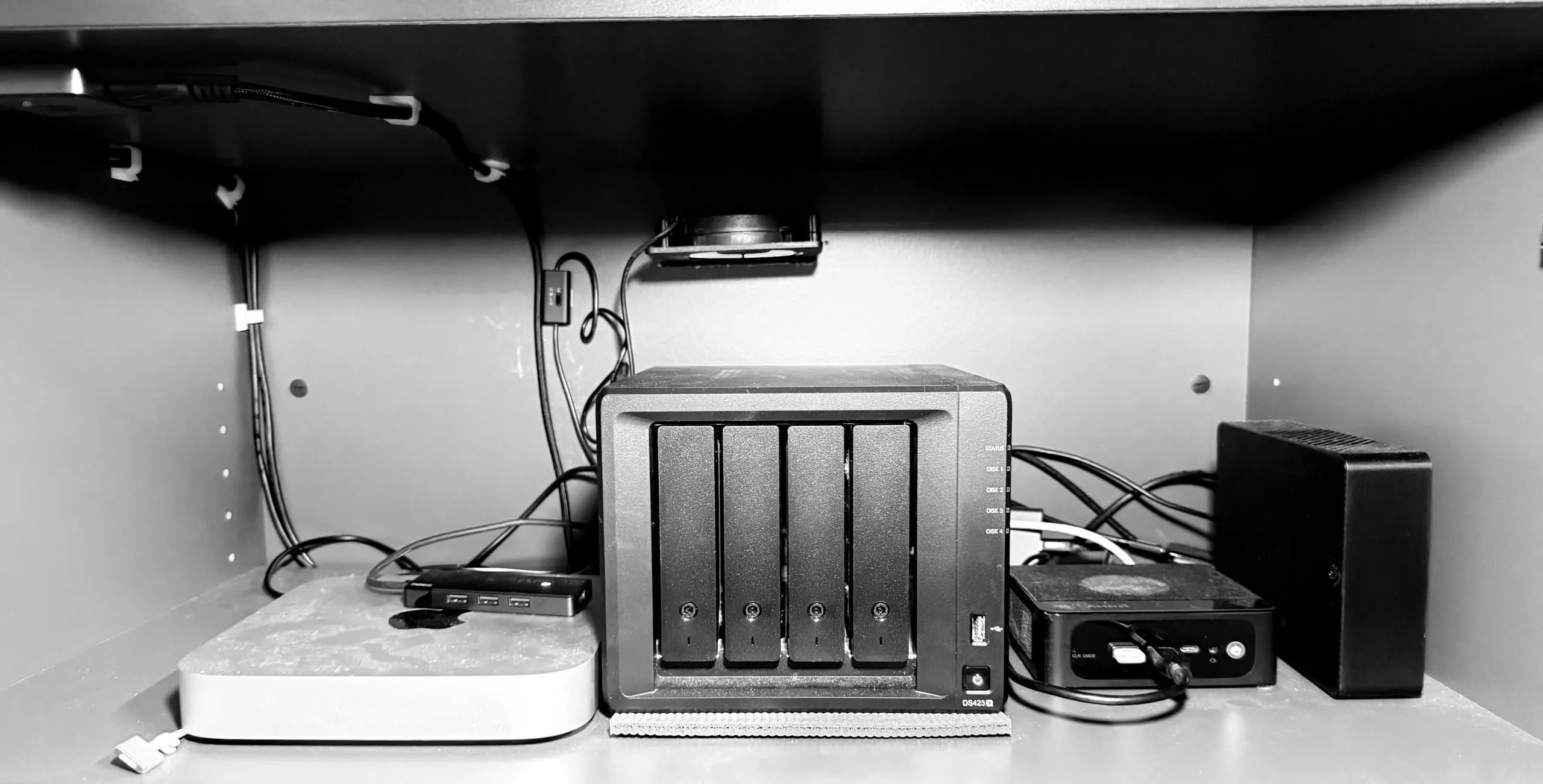
We all think our data is safe until a hardware failure proves otherwise. A recent first-person report published by XDA Developers highlights a painful lesson learned after running a home server for an entire year without a comprehensive backup strategy. When a single hard drive suddenly died, the author lost a “junk drawer” of secondary files. Their irreplaceable data survived thanks to redundant disks, but the scare exposed a critical flaw in their setup.
What We Know
- The Catalyst: A single drive failure wiped out secondary files on an unsecured home server.
- The Misconception: Relying on internal disk redundancy is not the same as maintaining a true backup.
- The Solution: The industry-standard 3-2-1 backup strategy is required to guarantee data survival against hardware death, ransomware, or physical damage.
That hardware failure acts as a loud wake-up call for home lab enthusiasts. The writer learned the hard way that you need the 3-2-1 backup rule. What exactly is that? It means you keep three separate copies of your data. You store them across two different types of media. And you keep at least one copy physically off-site. A photographer originally formulated this exact strategy after consulting with IT professionals, and it remains the gold standard today.
Why RAID Will Not Save You
People often confuse high availability with data security. A Redundant Array of Independent Disks (RAID) keeps your server running if a drive clicks and dies. But it is not a backup. If you accidentally delete a folder, RAID immediately deletes it across all mirrored drives. If ransomware locks your system, your RAID array is locked too. You need distinct, isolated copies.
You might think buying a USB drive solves the problem. It does not. Relying completely on a single external disk fails the redundancy test and leaves your files highly vulnerable to the exact same localized threats like a power surge or a spilled cup of coffee.
How Cloud Automation Fixes the Off-Site Problem
The hardest part of the 3-2-1 rule used to be the off-site requirement. You had to physically mail tape drives or carry hard drives to a friend’s house. Now, the tech industry is aggressively pushing users away from single points of failure and toward automated, multi-layered Network Attached Storage (NAS) environments synced with cloud cold storage.
Modern NAS manufacturers like Synology make it incredibly easy to integrate with cloud services. You can connect your local server directly to platforms like Microsoft Azure, Google Drive, or Cloudflare R2. This fulfills the off-site requirement automatically. If a fire or theft wipes out your entire physical server rack, your data lives on in a remote data center. For anyone setting up a home server, finding foundational setup instructions is the very first thing you should do before transferring a single file.
The Verdict
Do not wait for a drive to start clicking. Buy a dedicated NAS enclosure, set up local redundancy, and immediately link it to an automated off-site cloud provider. If your data only exists in one physical location, you do not actually own it—you are just borrowing it until the hardware eventually fails.