
Communication on LINE, the popular messaging app, is about to change for a good number of users. The company recently announced it will stop supporting its Chrome and Whale browser extensions. This move comes as a surprise to many, especially since the extension saw updates not too long ago. It truly felt like it was here to stay.
When users opened the LINE Chrome Extension recently, a message popped up. It clearly stated the upcoming shutdown. This means a significant shift for how some people connect.
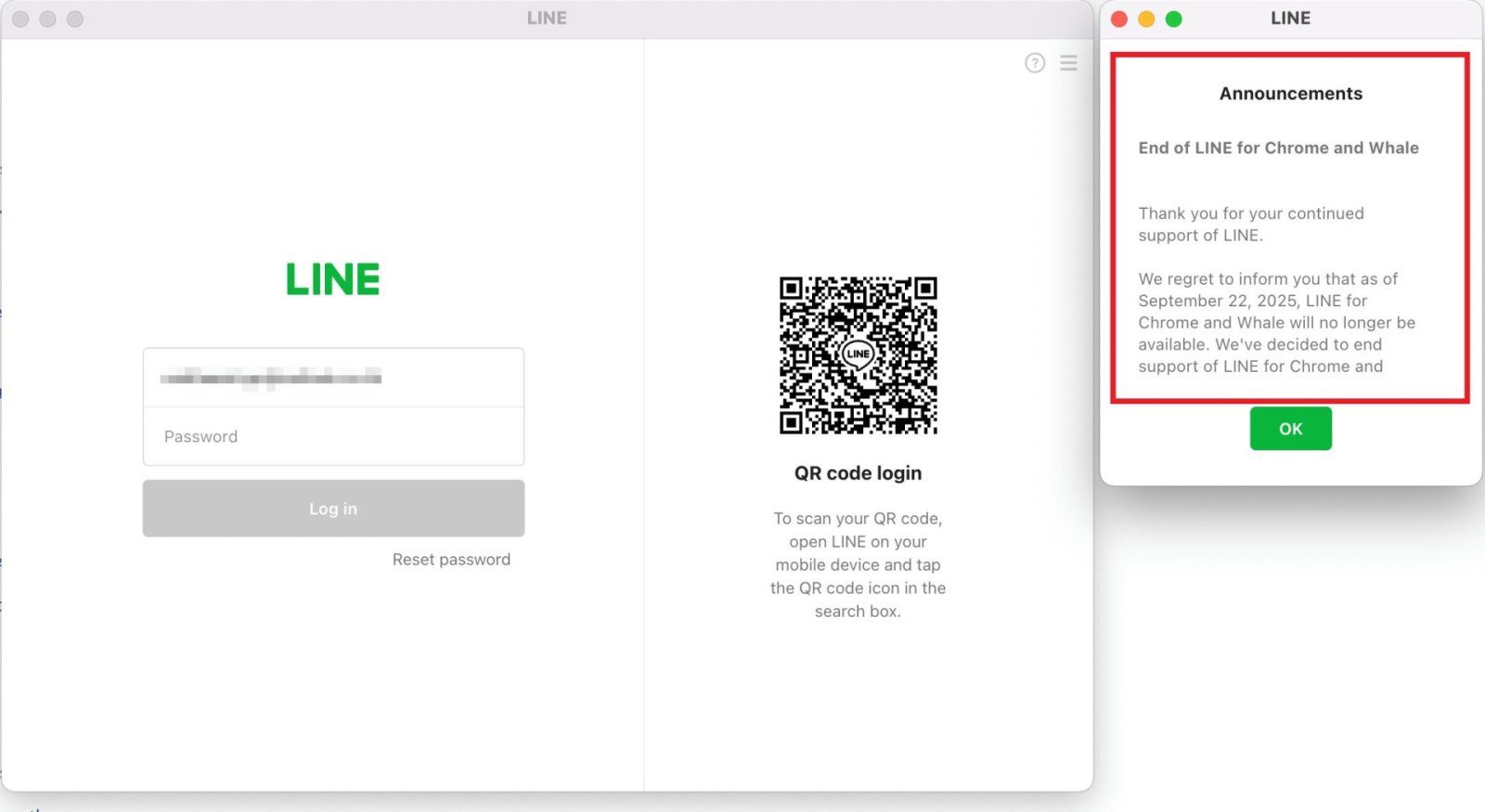
The Full Announcement
The message was direct and to the point, leaving no room for guesswork. It detailed the timeline for the change and what users should do next.
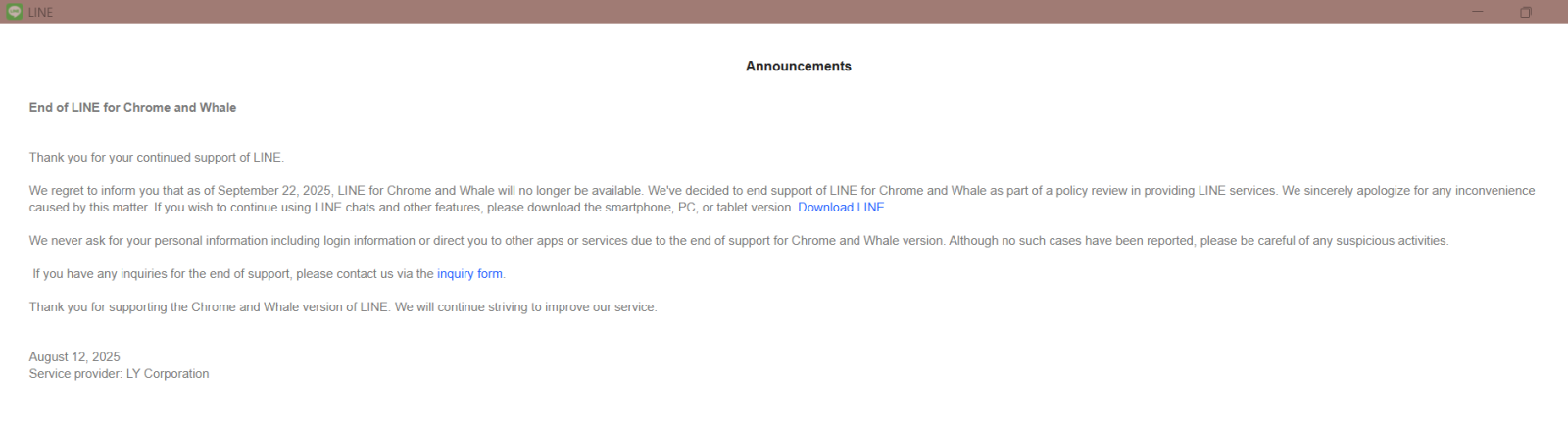
“Ending support for LINE for Chrome and Whale (Naver’s Chromium-based browser).
Thank you for your support of LINE.
We want to inform you that starting September 22, 2025, the LINE Chrome and Whale Extension versions will no longer be available. This is because we are discontinuing support for these services. Users are encouraged to download only the PC, mobile, and tablet versions to continue using LINE.”
Who Feels the Pinch?
This change won’t affect everyone equally. Certain user groups will feel the impact most directly. For some, the extension was the only way they could use LINE.
- Many people use the LINE extension to manage several accounts at once. It made switching between work and personal chats easy. Now, this convenience will disappear.
- Users of Linux and ChromeOS systems often relied on the browser extension. For them, it was typically the only method to use LINE on their computers. This news leaves them in a tough spot.
- People holding onto older Windows versions, like 8.1, 8, 7, Vista, or XP, will also face issues. The same goes for macOS users with Big Sur or older. The extension was often their only path to desktop LINE.
It’s important to note that this shutdown affects all Chromium-based browsers. This includes not just Chrome and Whale, but also Edge, Supermium, Thorium, Vivaldi, SRWare Iron, and Brave, among others. If you used LINE through a browser extension on any of these, you’re impacted.
Finding a Way Forward
So, what can these affected users do? LINE suggests some routes, and the community has found a clever workaround for group chats.
- If you juggle multiple LINE accounts, you’ll need a new strategy. You might have to switch between logins more often. Another option is to set up a virtual Android environment. This allows you to run an Android version of LINE as a secondary device for your extra accounts.
- For Linux, ChromeOS, or FydeOS users, the best bet is to install the Android version of LINE. You can then use it as a secondary device to sign in. Be aware, though, that ChromeOS Flex won’t support running Android apps. This means ChromeOS Flex users are left without a direct solution.
- If you’re on an older version of Windows (8.1/8/7/Vista/XP) or macOS (Big Sur or earlier), your main option is an operating system upgrade. You’ll need Windows 10 Version 1607 or newer, or macOS Monterey or higher, to keep using the official LINE desktop app.
There’s also a creative approach for those who mostly use LINE for group chats.
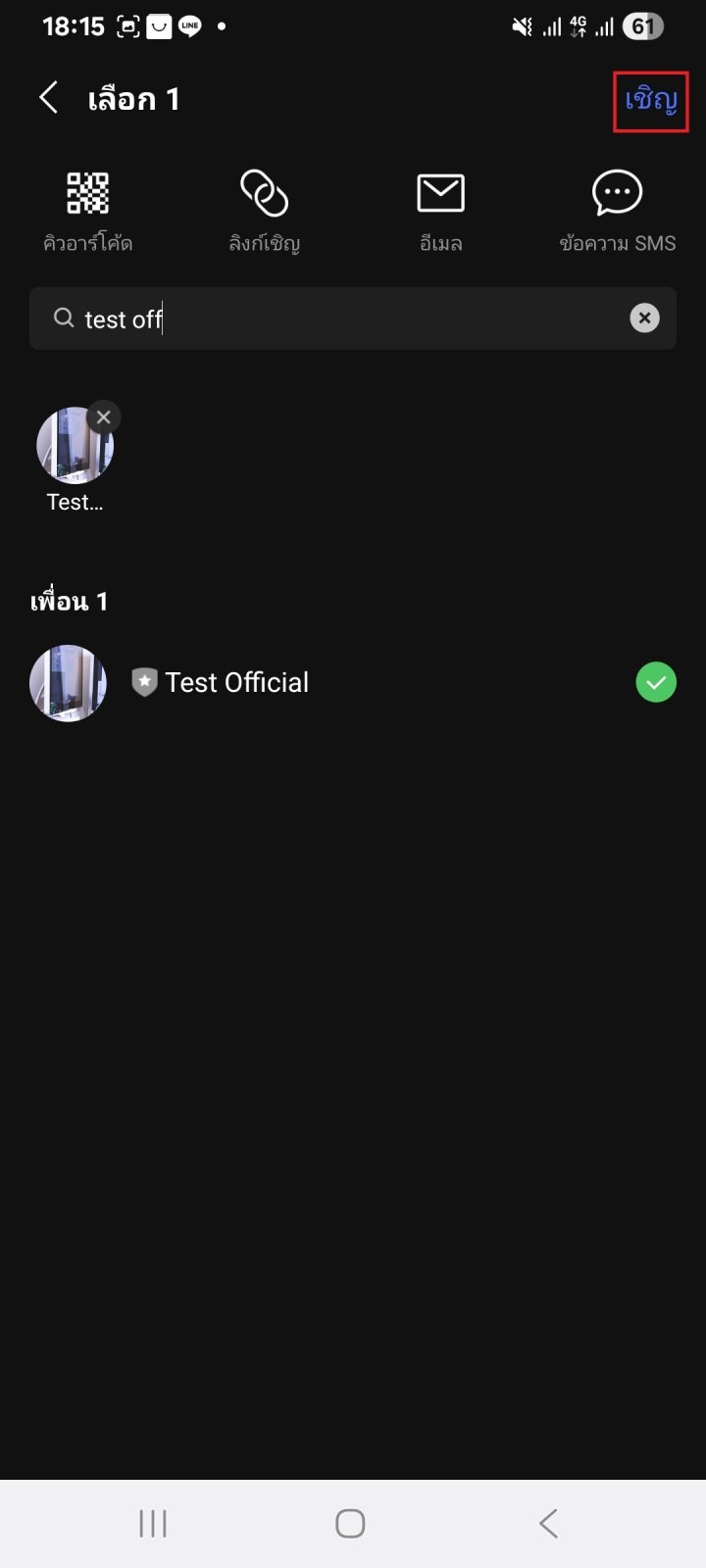
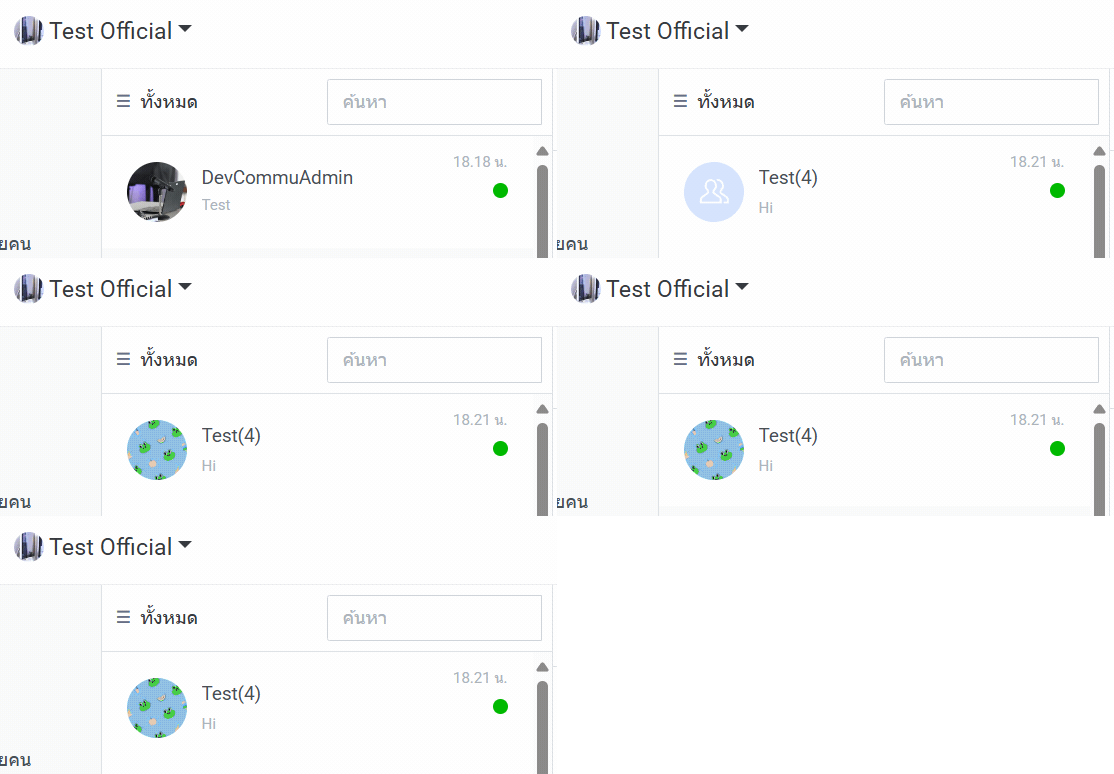
- The LINE Official Account has a web app that works well on any operating system. You can sign up for a LINE Official Account. Then, add this Official Account from your personal LINE. Finally, invite the Official Account into your LINE groups. This way, you can manage your group chats through the Official Account web app. Just remember, someone needs to send a message in the group for it to appear in your Official Account interface.
- Using the same trick, you can forward files or other items you want to access on your computer directly to your own Official Account. It becomes a personal cloud for your LINE content.



A Call for a True Web App
Many users and tech observers are hoping LINE will take a cue from its competitors. Imagine a full-fledged web app for LINE, just like WhatsApp, Facebook Messenger, Telegram, or Discord offer. Even LINE’s own Official Account service has a convenient web app. Such a solution would work seamlessly on any operating system without needing a dedicated installation.
If LINE ever decides to roll out a universal web app, you can be sure we’ll share the news right away. It would be a welcome change for a user base now grappling with limited options.