
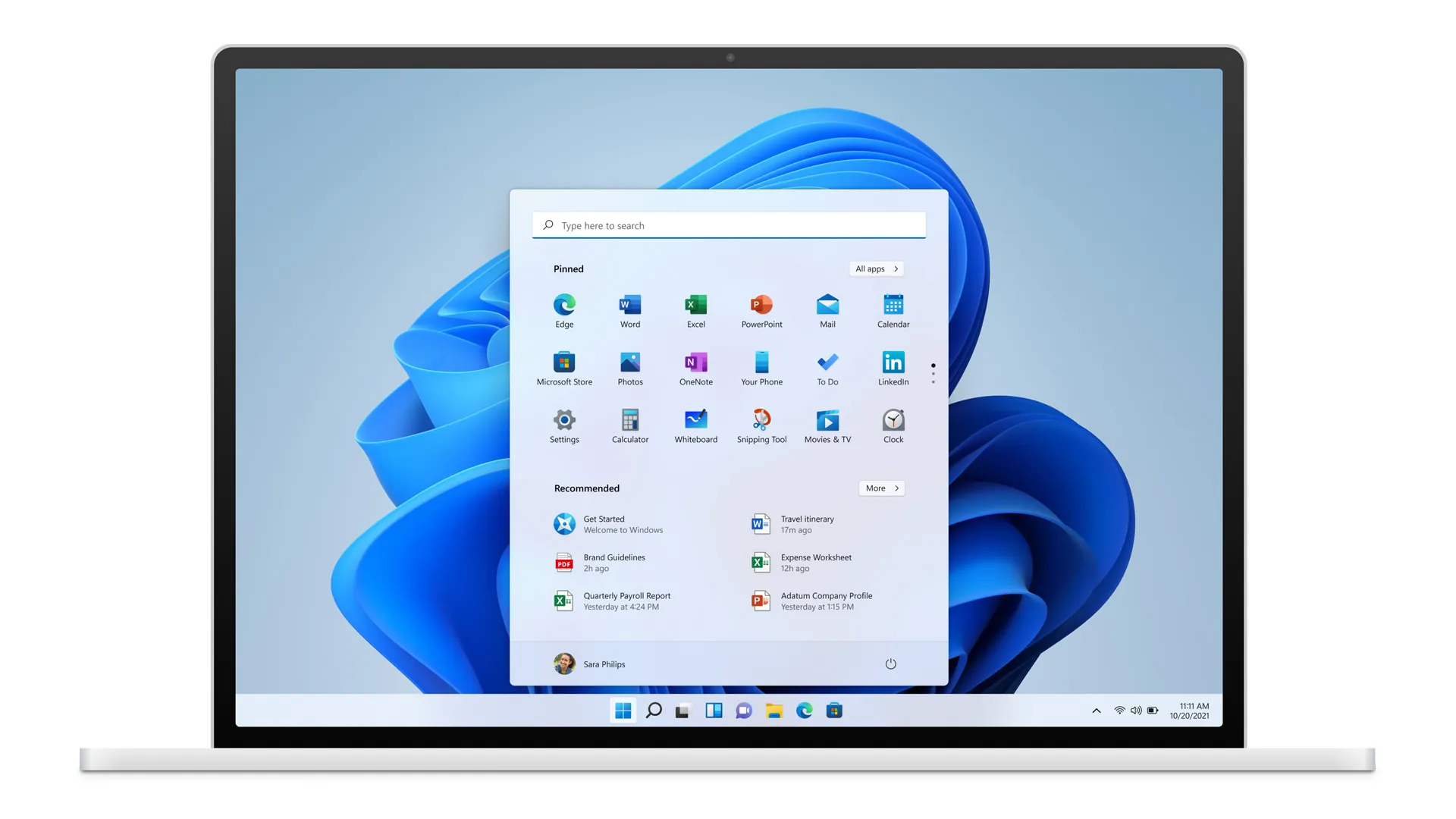
Microsoft desperately wants your data in its centralized cloud ecosystem. Setting up a new PC today immediately funnels you into a mandatory Microsoft account sign-in. This flow is explicitly designed to drive subscriptions for Microsoft 365 and force integration with AI tools like Copilot.
The company stripped the straightforward local account option from the initial setup screens when Windows 11 originally launched. Now, they are actively closing the remaining loopholes.
Recent 2026 software updates permanently disabled the legacy command-prompt bypass commands. Popular network bypass scripts like the widely used start ms-cxh:localonly and oobe\bypassnro commands no longer work. But you do not actually need a Microsoft account to use your own computer. Workarounds still exist for both Windows 11 Home and Pro editions.
The Pro Edition Escape Hatch
For users running Windows 11 Pro, the escape hatch remains built directly into the user interface. During the initial Out-of-Box Experience, simply select the “Set up for work or school” option. From there, pick “Domain join instead.” This specific sequence forces the operating system to create a local, offline account.
Modifying Windows 11 Home
Windows 11 Home users face a stricter lockdown. Microsoft disabled the old command prompt tricks in the latest builds. According to a technical breakdown of the OOBE flow, you have to modify the installation media itself before you even turn on the new PC.
The most reliable method involves creating a custom bootable installation USB drive.
- Download the official Windows 11 ISO file directly from the Microsoft website.
- Download the third-party creation tool Rufus.
- Load the Windows ISO into Rufus and select your target USB drive.
- Click start. Rufus will prompt you with a customization menu. Check the box to remove the requirement for an online Microsoft account.
An experience-based guide by João Carrasqueira and Simon Batt notes that Rufus also allows you to strip out bundled bloatware and disable background telemetry tracking during this exact step.
Strict Account Mandates Drive Power Users Toward Linux
Microsoft’s aggressive push to lock down the Windows 11 setup process is causing severe friction. By arbitrarily restricting offline installations, the company is directly contributing to a bleed of frustrated power users. Many technical users are migrating their primary workflows to Linux environments to escape the mandatory cloud integrations. The continuous cat-and-mouse game of patching out local account bypasses highlights a clear corporate priority. Retaining user data within the Microsoft framework now outweighs providing a frictionless setup experience.