
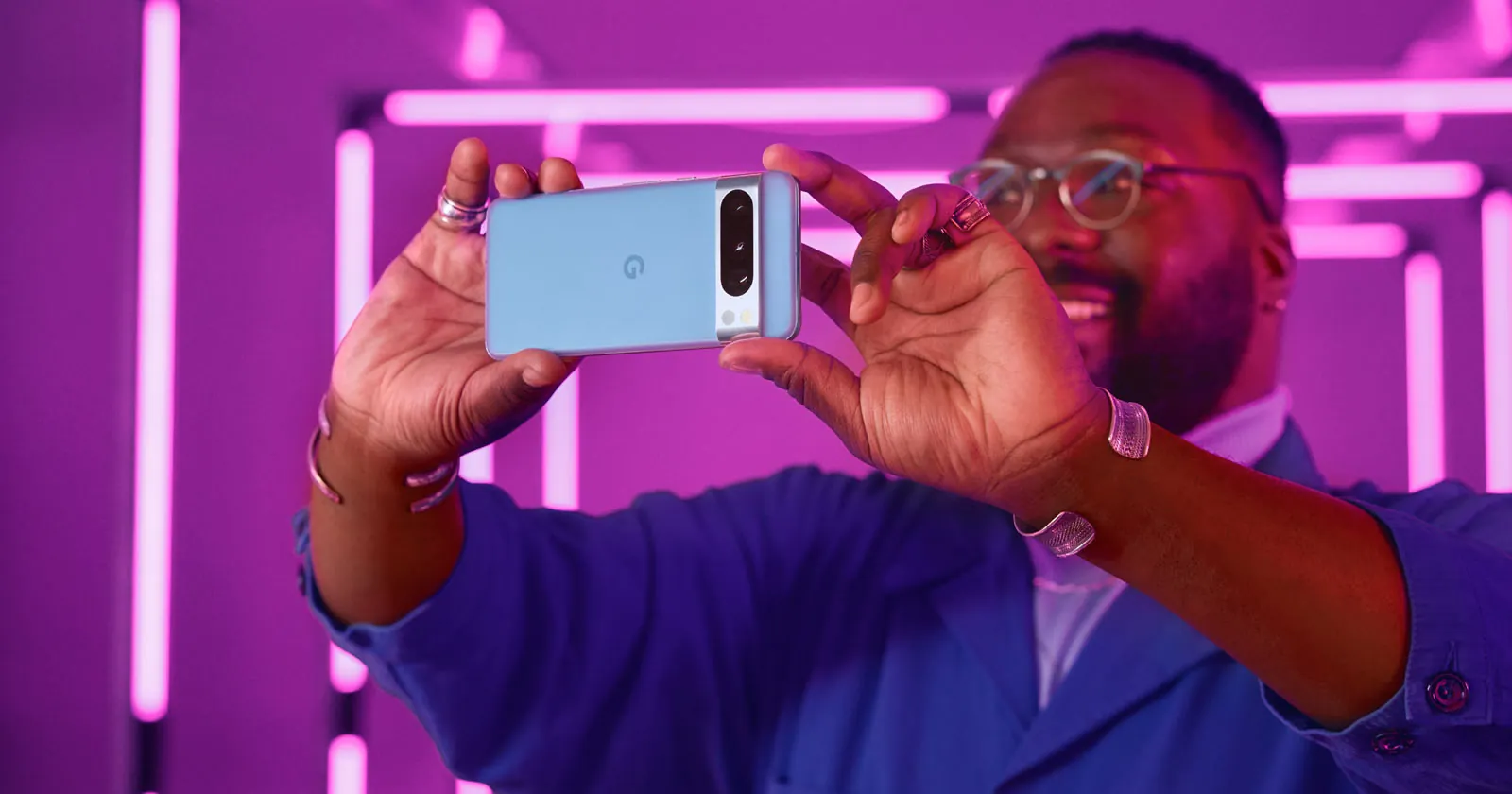
Google just quietly flipped the switch on a feature power users have begged for since the smartphone was invented. With the stable release of Android 16 QPR3 this July, native desktop mode is officially live for supported Pixel devices. You no longer have to dig through hidden Developer Options to find it. Plug your phone into a screen, and you get a proper workspace featuring a taskbar, resizable floating windows, and native keyboard support.
But a recent hardware test conducted by XDA Developers published on July 4 reveals a crucial catch. The software alone isn’t enough. To make this setup viable for an actual workday, you absolutely need a physical hub. Specifically, an OWC Thunderbolt Dock or equivalent. That hardware bridge transforms a thermal-throttled mobile experiment into a legitimate 1920×1200 workstation.
Thermal Limits and Unoptimized Apps
When you plug a Pixel into a USB-C dock with video output capabilities, the device drives the full desktop UI on the external monitor while keeping the phone’s primary screen active. It feels like magic initially. Then reality hits.
Reviewers quickly found the operating system struggles with thermal management under heavy workloads. App optimization remains a major hurdle too. Many applications still behave like stretched-out tablet interfaces rather than true desktop software.
Why Samsung DeX Holds the Advantage
Google’s push into the phone-as-PC space revives a decade-long industry pursuit. It echoes the ambitious, if flawed, promises of discontinued projects like Microsoft Continuum and the Motorola Atrix lapdock. Right now? Google is playing catch-up to the reigning champion of this niche.
Samsung DeX remains the most refined platform available. Quality-of-life features give Samsung the edge. A comparative analysis detailing why Samsung DeX outperforms Android 16’s native desktop mode highlights tools like wireless Miracast support and the ability to turn the phone screen into a native trackpad. You can even drag files directly onto the DeX desktop wallpaper.
What the DisplayPort Policy Shift Means for Pixel Hardware
Google deliberately disabled DisplayPort Alternate Mode on its older phones for years. The rollout of this native desktop environment is strictly tied to a recent hardware policy shift. Starting with the Pixel 8 series, Google finally enabled video out via USB-C.
This changes the physical utility of the Pixel lineup entirely. By unlocking Alternate Mode, Google forces its hardware to compete directly against premium business tablets. The absolute requirement of a high-end dock indicates the company envisions this not just for casual web browsing, but as a legitimate enterprise thin-client replacement.