
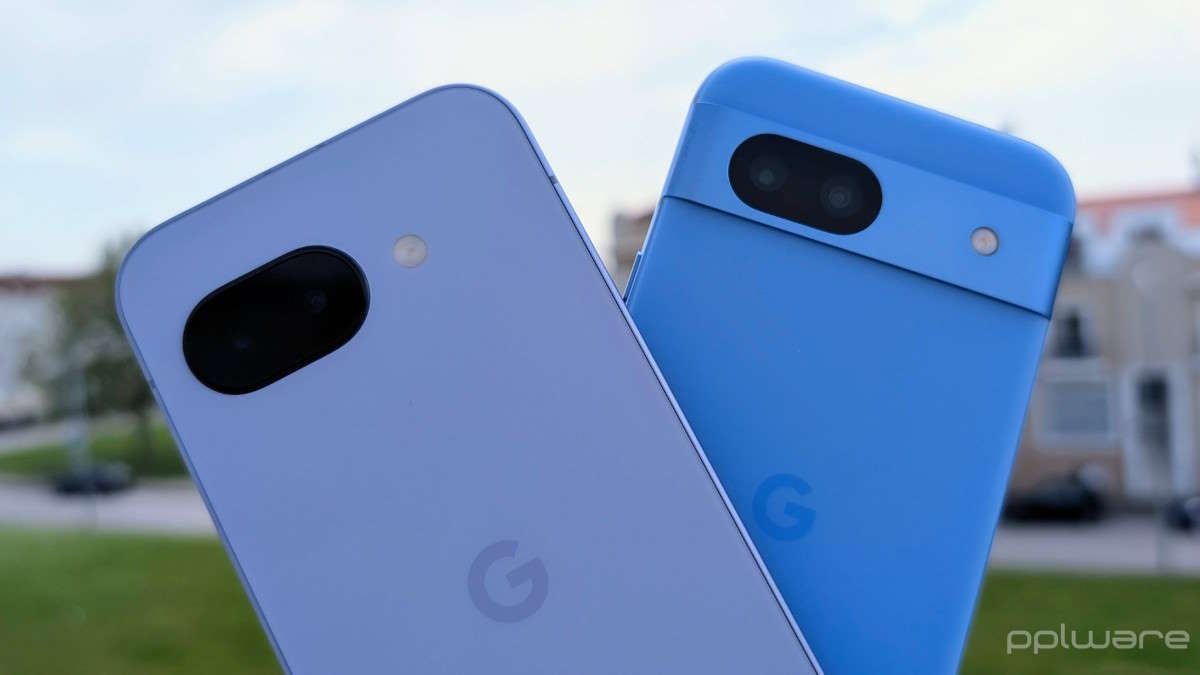
Have you ever struggled to get that perfect shot with your phone camera? It’s a common problem. We have powerful camera tech in our pockets, but sometimes, knowing how to use it feels like rocket science. Well, Google seems to have heard those silent sighs of frustration. Instead of just adding more fancy tech, they’re now teaching us how to use what’s already there.
The latest Pixel Camera app update, version 9.9, brings something truly helpful: an in-app photography guide. Think of it as a friendly teacher living right inside your phone’s camera. While this update did shuffle some things around, like swapping out WhatsApp sharing options for quicker access to Quick Share, the real star is this new learning tool. It’s available for Pixel 6 phones and all newer models.
Getting to this new “school” is simple. You’ll spot a fresh button on the Pixel Camera screen. It looks like a small circle with a question mark inside. Tap that, and you unlock a whole world of tips and tricks. This section helps you discover many ways to capture great photos and videos.
Inside, you’ll find easy-to-understand lessons on all sorts of camera modes. Ever wondered how to nail astrophotography shots? Or get the best out of Night Sight? This guide covers those, along with macro focus, panorama, and portrait tips. You’ll even get pointers on features like 10-bit HDR photos. It also teaches you how to pick your camera lens manually and use any “pro” controls your Pixel offers.
Google designed this guide to be super practical. Each lesson comes with example photos, so you can see what the final result should look like. Then, there’s a step-by-step “how-to” section. This walks you through the settings and actions needed for each shot. A clever little floating button even lets you jump straight into the mode you’re learning about. Video recording also gets the same helpful treatment, with instructions for different video styles.
This new photography guide matches the sleek look of Android 16’s Material 3 Expressive design. It features smooth shapes and rounded elements, giving it a very modern feel. But beyond just looking good, its real value is clear. Google is helping everyone make the most of their Pixel camera features. It’s about empowering users to take better pictures, not just selling them a camera with more features they might never use.