
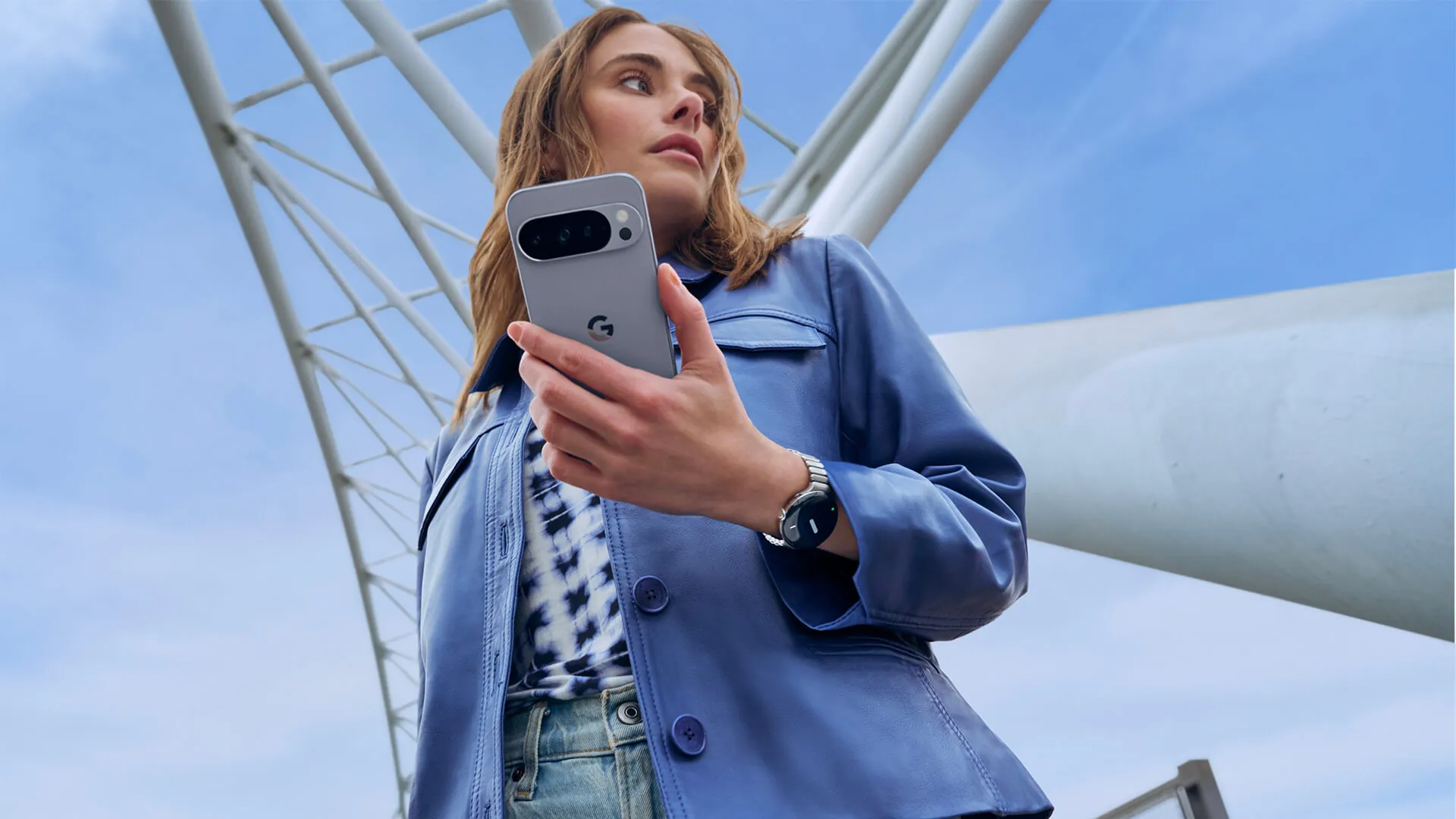
The back of the Google Pixel 10 Pro is hiding a secret button. You just cannot see it. Google’s built-in Quick Tap gesture turns the entire rear glass panel of the phone into a programmable shortcut trigger. And while many users initially dismiss the function as a software novelty, the feature is quietly becoming one of the most useful hardware mechanics on modern Android devices.
Most buyers ignore gesture controls entirely. Early iterations of the technology often struggled to read physical inputs accurately. But running on the current Android 16 operating system in 2026, the sensors are highly tuned. You just have to know exactly where to activate it.
Setting Up the Physical Shortcut
You can turn the gesture on right out of the box. Users need to navigate through Settings, tap on System, select Gestures, and finally open the Quick Tap to Start Actions menu. From there, the phone allows you to assign a specific command to the back panel. The most practical option is configuring it to toggle the device’s flashlight.
This transforms a multi-step touchscreen process into a blind, one-handed action. In a recent hardware evaluation, Patrick O’Rourke at XDA Developers admitted he initially wrote the capability off as an unreliable gimmick. After testing the flashlight toggle in daily use, he found the simple double-tap on the back of the phone to be highly effective.
The system works by reading physical force. Quick Tap relies on the phone’s internal accelerometer and gyroscope to detect the exact vibration signature of a human finger tapping the chassis. The software interprets that vibration and executes the assigned command.
The Protective Case Problem
But there is a major physical catch. The gesture requires the phone to feel the actual impact of your finger. Because the system listens for vibrations, thick or shock-absorbent phone cases can completely block the sensor data required to register a tap.
Heavy-duty armor cases absorb the kinetic energy of your finger before it ever reaches the phone’s accelerometer. This hardware limitation often forces users to go completely caseless to achieve maximum reliability. If the phone is wrapped in thick silicone, the software simply assumes nothing happened.
That sensor tuning is a delicate balance. Developers have to push Android 16’s increased gesture sensitivity high enough to work through thin cases, but not so high that putting the phone down on a hard table accidentally triggers a screenshot or turns the flashlight on inside your pocket.
Hardware Innovation vs Accessory Reality
This clash between software features and physical accessories exposes a weird blind spot in modern smartphone design. Manufacturers are inventing brilliant invisible hardware interfaces, but they are building them for devices that 90% of consumers immediately wrap in thick plastic.
Quick Tap was technically introduced all the way back in Android 12. It took years of accelerometer tuning to get the feature to its current responsive state on the Pixel 10 Pro. Yet, a $15 rugged case from Amazon completely nullifies millions of dollars in engineering research. As smartphones shift away from physical buttons toward capacitive and vibration-based inputs, accessory makers will have to rethink how they build protective gear. Until they do, users are stuck choosing between a shattered screen and a highly productive flashlight shortcut.