
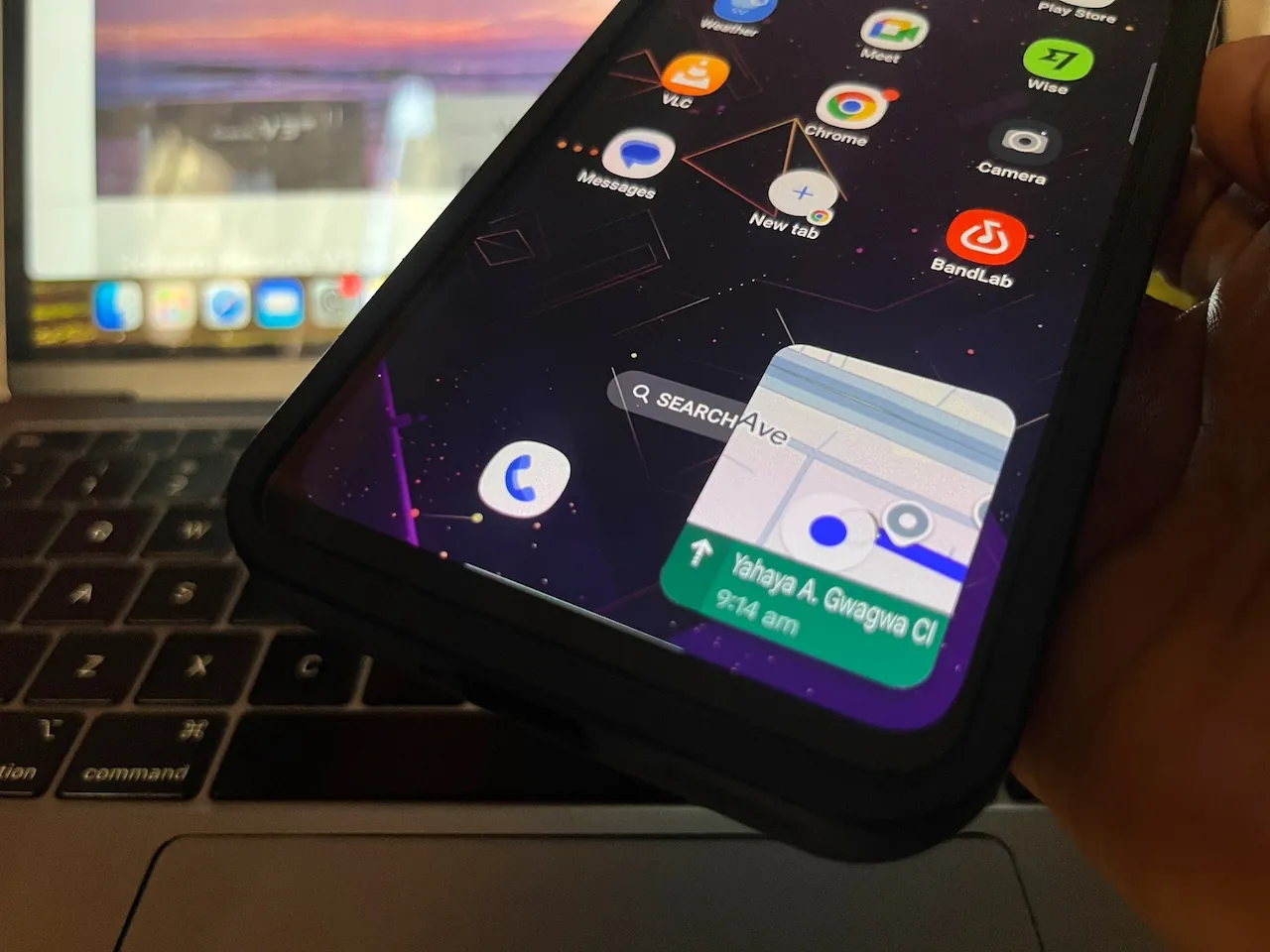
XDA Developers published a review on Tuesday. They tested specific methods to stop navigation apps from killing smartphone batteries on long road trips—a scenario where weak network coverage causes massive power loss. But offline maps force the software to pull core navigation data directly from local storage. The tester intentionally kept mobile data active. They wanted to maintain access to live traffic updates and road closures. Under these exact conditions, a hidden Google Maps setting resolved the issue.
During a recent hour-long trip, the reviewer found the built-in Power Saving Mode reduced the Pixel 10 Pro’s battery consumption by roughly 50%. It simply worked. The phone battery stopped draining rapidly in the background.
Drivers can quickly activate Power Saving Mode mid-route by pressing the physical button—though if the interface doesn’t shift immediately, you must trigger it manually through the settings menu. You tap your profile picture, open the Driving Options submenu, and toggle the switch. The bright interface instantly transforms into a monochrome UI. It runs directly on the smartphone’s Always-On Display.
Stripped Back Navigation
The monochrome map limits visual data severely: it shows only the road, the driving arrow, turn-by-turn directions, remaining distance, and the Estimated Time of Arrival. That’s a strict minimum for safe driving. The app sacrifices immediate access to 3D building footprints and alternative routes to achieve these extreme power savings. It also removes the live traffic graphics, according to How-To Geek. To be fair, Google claims the stripped layout can extend a Pixel’s battery life by up to four additional hours. For that metric to hold true, the device must start at 100% charge with Adaptive Brightness disabled and brightness set at P90.
AOD Min Mode powers this feature. The OS update allows applications to operate full-screen with a lower refresh rate and minimal power draw. And because true black pixels completely shut off, the approach works exceptionally well on modern screens. The mode remains strictly limited to driving directions and portrait orientation. You can’t trigger it for walking, cycling, or public transit routes.
Navigation applications have frustrated drivers for years. Screens stay active at high brightness because turn-by-turn tracking requires constant data fetching. Some Android Auto users grumbled recently about the software ignoring their car’s integrated GPS antenna. Apple CarPlay mandates the use of that external hardware for its wireless connections. Google currently ignores it. Next year, Google plans to sanction apps that excessively wake a device’s display. Developers will soon see explicit warnings directly on their Play Store listing pages.
The Verdict
The 50% reduction in power consumption makes Power Saving Mode an essential tool for older cars without charging ports. It strips away heavy visuals and color overlays to prioritize raw routing data. But the strict limitation to the Pixel 10 series on Android 17 locks out most users. Drivers with older hardware still have to rely on traditional maps to get the battery life they are looking for.