
The Elgato Stream Deck is the undisputed king of desktop macro pads, but it will set you back about $150 for 15 small physical keys. That high barrier to entry just got challenged by a clever piece of DIY engineering. A 7-inch touchscreen alternative powered by an ESP32 microcontroller does exactly the same job for under $50.
This project proves that you do not need expensive proprietary hardware to control your desktop workflow. By leaning on affordable components and smart software architecture, it delivers a huge digital canvas that easily outclasses the restrictive physical buttons of traditional macro pads.
Under the Hood of the ESP32 Build
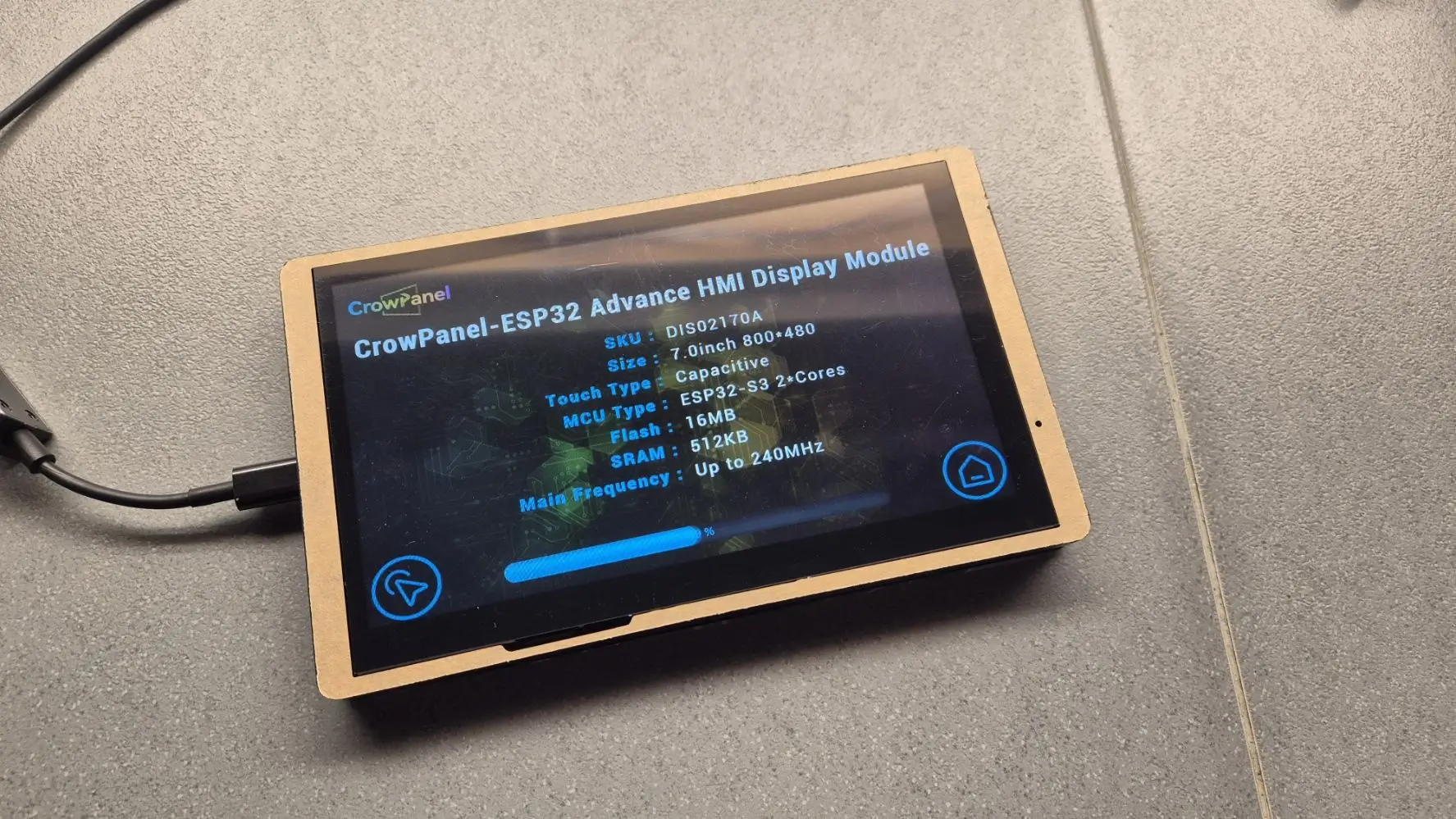
The hardware driving this setup is the Elecrow CrowPanel Advance. It is a 7-inch touchscreen running on an ESP32-S3 microcontroller. The board packs 8MB of PSRAM and 16MB of flash storage. That is more than enough horsepower to drive the crisp 800×480 IPS display.
Instead of relying on tiny, rigid plastic squares, the user gets one uninterrupted glass screen to map out endless digital buttons. The total cost? Between $40 and $50.
Splitting the Software Logic
Most DIY macro pads operate as standard USB keyboards. You plug them in, they send a keystroke, and the computer obeys. This build takes a completely different route, according to an XDA Developers project detailing the setup.
The ESP32 panel itself handles zero heavy lifting. It acts purely as a dumb display that communicates over Wi-Fi. A custom .NET application built with Avalonia runs on the host Windows machine. That companion app manages all the actual logic, keyboard shortcuts, and executable commands.
Because the panel connects via Wi-Fi rather than a USB cable, you can place it anywhere on your desk. The firmware on the microcontroller stays incredibly simple. But there is a catch. If the Windows desktop app is closed, the touchscreen turns into a useless glowing brick. It displays the buttons, but tapping them executes nothing.
Why Network-Based Control Changes Desktop Design
This architectural choice shifts how we think about desktop accessories. By moving the processing logic entirely to the host PC, the hardware itself becomes completely disposable. You are no longer paying a premium for onboard memory or custom driver integrations.
If the touchscreen breaks, you buy another cheap screen. Your macros, layouts, and shortcuts all live safely on your Windows machine. It lowers the cost of entry for streamers and video editors who need complex macro setups but cannot justify Elgato’s premium hardware pricing.
The Verdict
If you have basic tinkering skills and a spare $45, the ESP32 touchscreen build is a brilliant alternative. You trade the tactile click of Elgato’s physical keys for infinite customizability and wireless freedom. Just remember that it requires a dedicated Windows app running in the background at all times to function.