
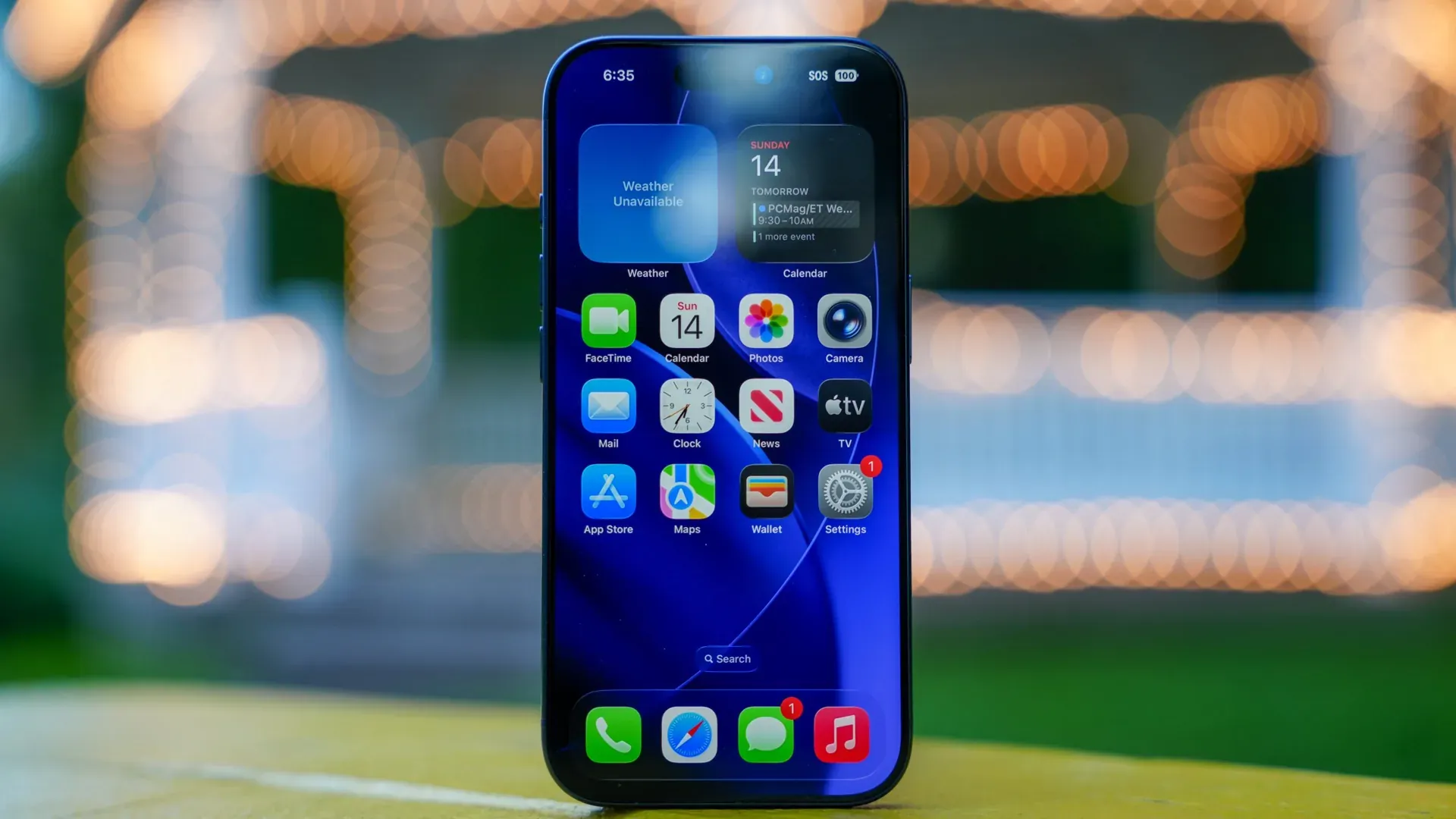
The iPhone camera is getting its biggest makeover in years. Apple is finally ditching its rigid, one-size-fits-all layout to solve a quiet crisis: users aren’t finding its new AI tools. As Apple Intelligence becomes the core of the technology giant’s future, the upcoming iOS 27 update will transform the camera from a simple lens into a highly customizable data hub.
This isn’t just about moving buttons around. It is a strategic response to a massive discoverability problem. Right now, features like Visual Intelligence are often tucked away behind physical buttons or deep submenus. By putting these tools front and center in the app people open most, Apple is making a desperate play to ensure its multi-billion-dollar AI investments actually get used.
A Toolbox You Can Tailor
Apple is reportedly introducing a new transparent “Add Widgets” tray. Think of it like your phone’s home screen, but living entirely inside your viewfinder. You can now drag and drop icons for things like the flash, timer, or photographic styles anywhere you want. You are no longer stuck with the layout Apple decided on a decade ago.
This level of freedom is a massive departure for the company. For years, the camera app stayed simple to keep it accessible for everyone. But as the iPhone 17 and beyond gain more complex sensors, that simplicity started feeling like a limitation. This update fixes that by letting you hide what you don’t use and pin what you do.
Professional Controls for the Rest of Us
Hobbyists have a reason to celebrate. A new “Manual” category is coming to the native app. This gives you direct touchscreen control over exposure, digital leveling, and depth-of-field. You won’t have to hunt for the physical Camera Control button to make fine adjustments anymore. These features are highlighted in a report regarding the new customizable widgets tray and advanced manual controls coming to the software.
The Rise of the Siri Mode
The update also changes how you “talk” to your camera. A dedicated Siri mode will now sit right next to standard modes like Photo and Video. When you swipe over to it, the standard shutter button vanishes. It is replaced by the glowing Apple Intelligence logo. Instead of just taking a picture, you are now asking the phone to analyze what it sees in real-time. It turns the iPhone into a pair of smart glasses without the actual glasses.
How the iOS 27 Camera Redesign Threatens Third-Party Developers
This shift marks a dangerous moment for the App Store ecosystem. For over a decade, professional camera apps like Halide and Moment have made millions by offering the exact manual controls Apple is now baking into the system. By giving users native manual exposure and focus tools for free, Apple is effectively sherlocking a niche market of developers. Why pay five dollars for a pro camera app when the one that came with your phone finally does the same thing?
It also signals a fundamental change in what a smartphone camera is for. It is no longer just for capturing memories. It is now a data-entry tool. Whether it is scanning a business card into your contacts or routing a nutrition label to your Health app, Apple is making the camera the primary gateway to its ecosystem. This move finally brings the iPhone’s software in line with the high-end hardware users are paying for. The camera isn’t just a lens anymore; it’s the eyes of the AI.