
Building a personal streaming platform demands specific hardware—a stable network connection and a properly configured operating system. Once installed on a central computer, Jellyfin reads your local movie folders and streams those video files directly to your television. And it completely removes reliance on external subscription platforms. The open-source software provides a professional-grade solution for exactly the setup you’re looking for. You won’t ever pay a recurring fee to access your own files again.
Picking the Right Machine
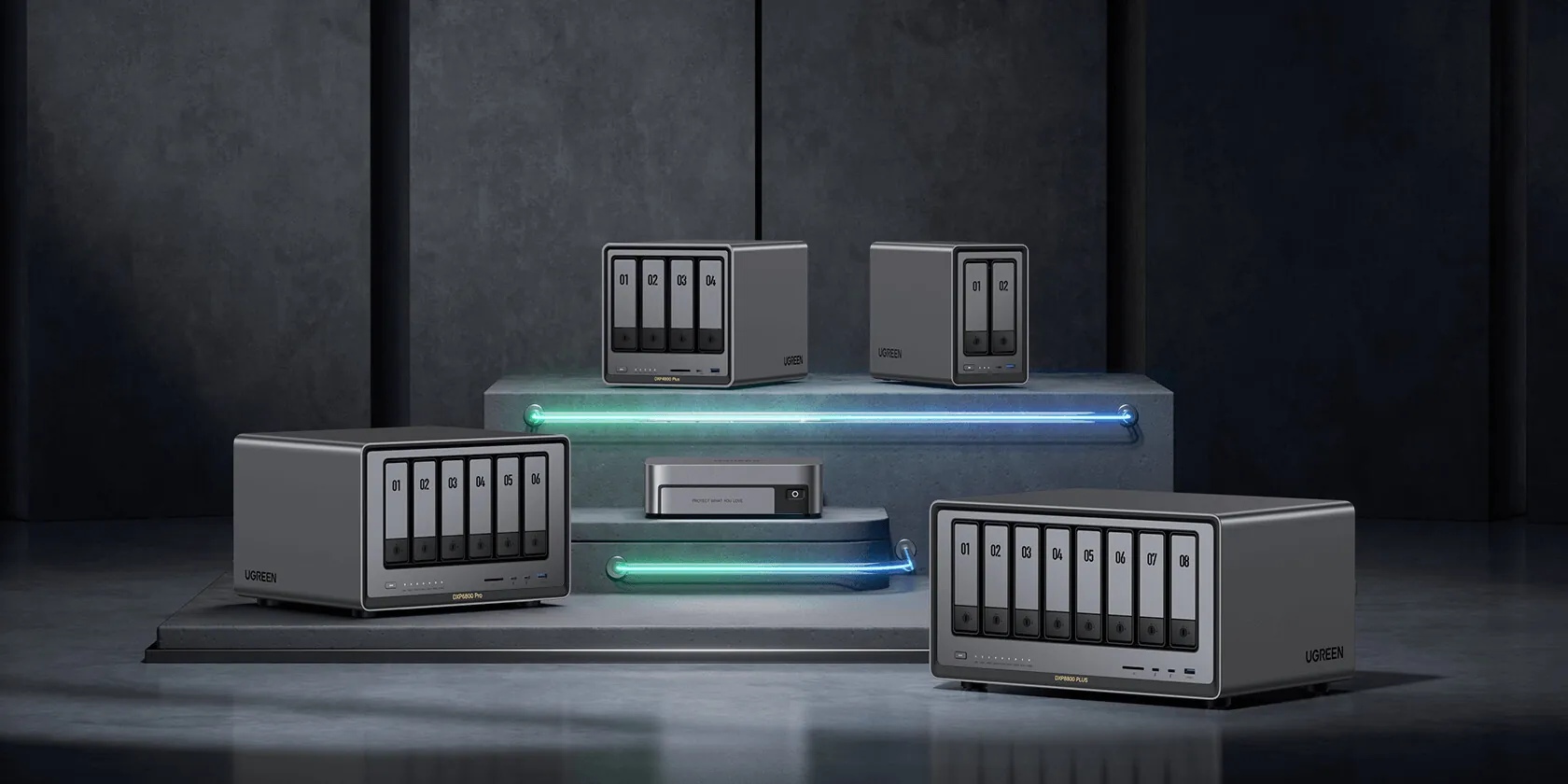
The host device dictates your entire streaming experience. Old laptops and Raspberry Pi boards technically work. But active video transcoding absolutely crushes low-end processing hardware. You’ll want to invest in a modern desktop computer or a Network Attached Storage device to handle multiple simultaneous streams. A recent hardware guide published by the r/selfhosted subreddit highlighted the UGREEN NASync DXP2800. That 2-bay storage unit costs roughly $260 and packs an Intel Core N100 processor with 8GB of DDR5 RAM. Repurposing an old 2015 Dell Optiplex offers another highly cost-effective entry point for a dedicated server build.
System administrators building custom setups should budget at least $200 for used parts or $300 for new components. You need a bare minimum of a 100GB solid-state drive to house the server software and the transcoding cache. Windows 11 installations require even more storage headroom. Microsoft’s default operating system footprint simply consumes a massive portion of the drive.
Network stability matters just as much as raw processing power. You absolutely must use a Gigabit Ethernet adapter or faster. Wi-Fi connections and Powerline adapters cause severe instability during heavy video playback. Remote access streaming demands an internet connection with a minimum 20 Mbps upload speed. Administrators dealing with less than 100 Mbps of total upload bandwidth should restrict the server limit to 70 percent. Enforcing these traffic limits prevents total network congestion when multiple users stream content simultaneously.
For servers relying on integrated graphics, you should target processors like the Intel Core i5-11400, the Intel Pentium Gold G7400, or Apple M-series chips. The Jellyfin project actively excludes older Intel J, M, N, and Y series processors up to the 11th generation from their recommended list. Hardware encoder quality ranks in a very specific hierarchy based on default settings. NVIDIA RTX 50 hardware performs better than or equal to Intel Arc-B equipment. Older AMD H.264 configurations sit at the very bottom of the performance tier list. You’ll want to avoid those older AMD chips entirely.
Getting the Software Installed
The Jellyfin development team offers pre-built binary packages for Windows, macOS, Debian, Ubuntu, Docker, Synology, and TrueNAS SCALE. The best possible host configuration is a Debian or Ubuntu Linux machine equipped with a dedicated GPU. Debian distributions simply maximize system compatibility and official support.
You can easily run the application on TrueNAS SCALE. The operating system operates on a Linux foundation. That fundamental architecture allows for a simple installation process. TrueNAS CORE and other FreeBSD-derived operating systems lack the required compatibility. They officially do not support FreeBSD systems due to underlying conflicts with the .NET framework. Windows users feeling unsure about their system architecture should default to the AMD64 download option.
Step-by-Step Configuration
You can access the server dashboard via a web browser at `http://localhost:8096` immediately after installation. Users can also reach the interface by typing the host device’s local IP address, such as `http://192.168.1.1:8096`, into the address bar. The initial wizard prompts you to pick a language. Those language preferences only affect the local client interface rather than the global server configuration.
- Create your admin account: Establish an administrator profile with a secure password before attempting anything else.
- Add your media libraries: Select a Content Type, assign a Display Name, and map the physical folder paths on your hard drive. Invisible folders usually point directly to operating system permission errors.
- Configure regional data: You must set a preferred language and region so the server fetches accurate metadata. Cover artwork, critic ratings, and cast details all rely on accurate region tags.
- Adjust network access: Enable the toggle labeled “Allow remote access to this server” if you plan to stream outside the house. You’ll want to immediately disable automatic port mapping unless you absolutely need it. The UPnP protocol exposes your network to severe security vulnerabilities. Fixing these permissions acts as a great first step toward properly securing your homelab.
Connecting Clients and Fixing Common Issues
Users access their media through dedicated client applications. The open-source project provides official apps across almost all major television and mobile platforms. You can simply use a modern web browser if you’d prefer not to install dedicated software on your viewing device. Log into the client using the server IP address alongside your user credentials. Connections lacking SSL security certificates require you to start the address with `http` rather than `https`. Encrypted connections always demand the secure prefix.
Playback failures and stream buffering completely ruin the viewing experience. Hardware limitations almost always cause these specific problems. They typically point to a poor transcoding configuration. A February 2026 report published by How-To Geek flagged that fixing these exact settings is mandatory to prevent constant buffering. The host hardware simply gets overwhelmed when too many simultaneous users attempt to transcode heavy video files. You must match your hardware capabilities to the exact media formats you plan to serve. So keep a close eye on your CPU usage metrics. You’ll need to strictly monitor the specific network loads your equipment is responsible for.