
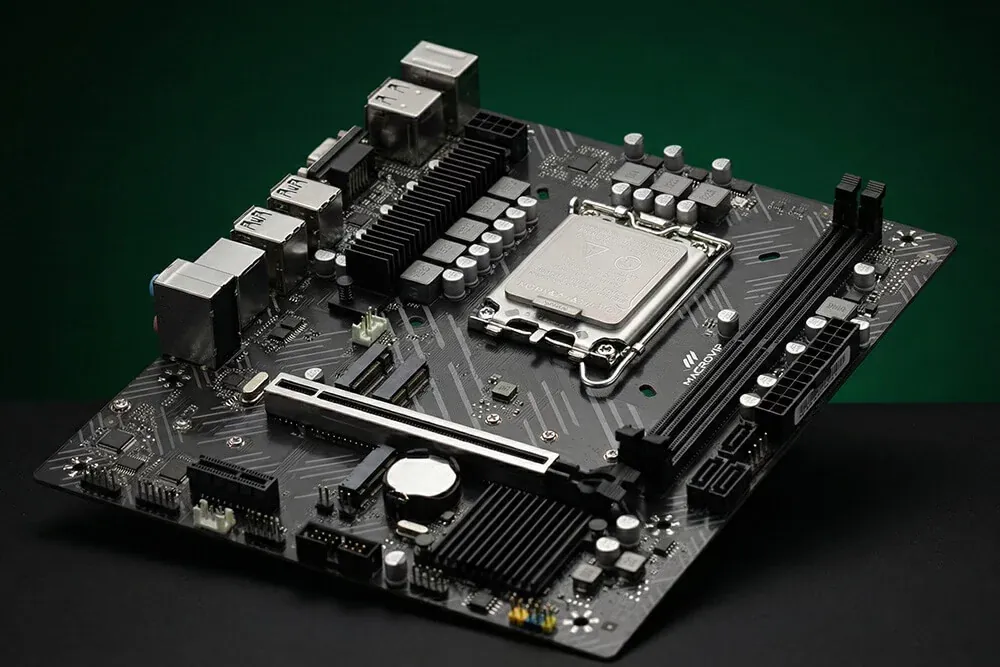
Modern NVMe SSDs run incredibly fast, but they demand a huge amount of data bandwidth. If you install one in the wrong slot, your motherboard will silently cut its performance in half to keep the rest of your PC stable.
There is no pop-up error. Your BIOS will not warn you. The drive simply operates at reduced capacity without ever telling you why.
Premium solid-state drives require four direct PCIe lanes (x4) to hit their advertised read and write speeds. But consumer desktop processors have a hard limit on available lanes, usually around 20 to 24. When you plug in extra components, the motherboard has to share the traffic.
Populate certain M.2 slots, plug in extra SATA drives, or add a secondary expansion card, and the system forces your flagship SSD to route through a constrained chipset uplink. The drive instantly drops to a two-lane (x2) connection. That slices your throughput in half. A drive rated for four gigabytes per second suddenly maxes out at two.
You can catch this hardware downgrade using diagnostic software like HWiNFO to compare your drive’s active mode against its supported specifications, according to a detailed configuration guide by How-To Geek.
The math gets much worse on modern hardware. Throughout 2026, the rollout of PCIe 5.0 motherboards—specifically AMD’s X870 and X870E, alongside Intel’s Z890 platforms—has amplified this lane contention.
Manufacturers use strict lane-sharing matrices to manage the traffic. If you build a PC without consulting the specific topology map inside your motherboard manual, the hardware automatically restricts bandwidth to prevent system crashes. Engineers face severe physical limits trying to stretch consumer CPU lanes across increasingly power-hungry components, a bottleneck outlined in Tom’s Hardware’s analysis of the PCIe roadmap.
Why Lane Bifurcation Punishes High-End PC Builds
This bandwidth sharing creates a ripple effect across your entire desktop. When a motherboard enforces lane bifurcation, the penalty often hits the graphics card.
On the latest Gen 5 platforms, populating a secondary high-speed M.2 slot frequently strips lanes away from the primary GPU slot. A graphics card running perfectly at full x16 bandwidth gets chopped down to x8. The motherboard literally splits the connection to keep the SSD fed.
System builders have to choose where they want the speed. You cannot max out every slot and expect full performance. The printed manual is the only document that shows exactly which ports share the same electrical pathways. Read the fine print before plugging anything in.