
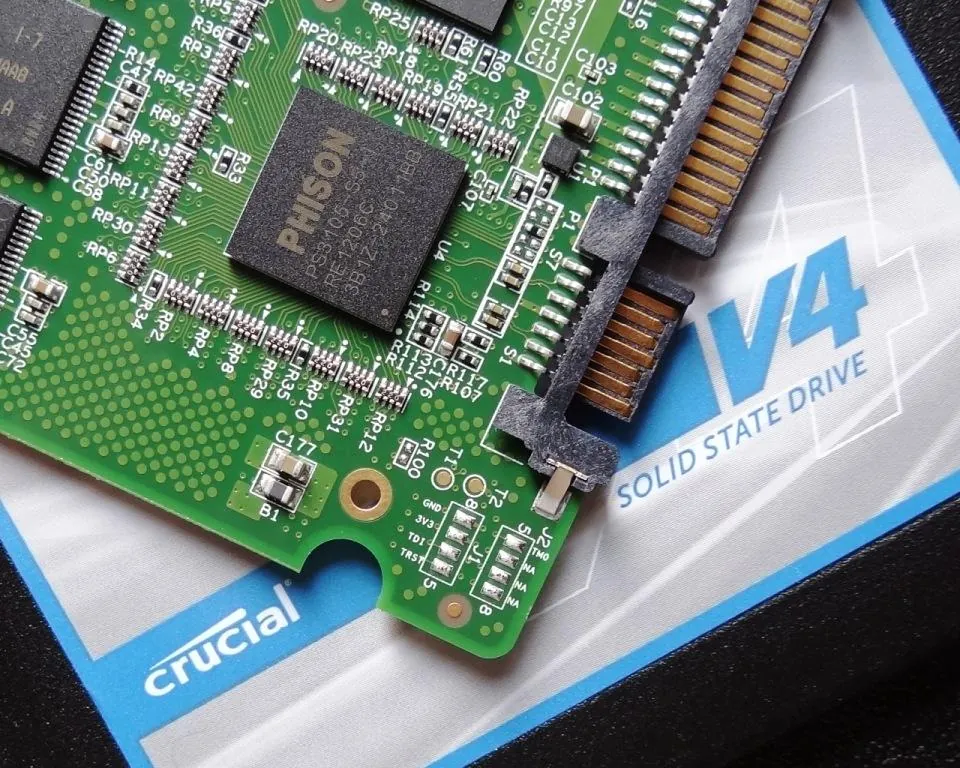
A hardware benchmark published by XDA Developers on July 14 exposed a frustrating reality about premium computer storage. When pitting a high-end $400 NVMe SSD against a budget $80 SATA SSD, testers discovered that the enormous cost difference produces zero noticeable workflow improvements for average users.
The review characterized the current pricing of flagship NVMe drives as bordering on “daylight robbery.” Testers utilized a basic Crucial SATA drive as the budget alternative and found it handled daily operating system tasks without any friction. The cheaper drive provided an easy upgrade path with identical application responsiveness.
The Interface Speed Gap
On paper, the technical disparity looks staggering. SATA III interfaces cap out strictly at 550 to 600 MB/s. Modern NVMe drives use the motherboard’s PCIe lanes to push speeds past 14,000 MB/s on Gen 5 hardware.
The older SATA standard relies on the AHCI protocol, which only allows a single queue with 32 commands. NVMe bypasses this legacy controller entirely. It handles tens of thousands of simultaneous commands directly through the CPU, effectively eliminating bottlenecks under heavy loads. You can see these architectural queue differences immediately when running complex enterprise databases.
Daily Tasks vs. Heavy Workloads
The SATA protocol debuted in 2003 primarily for mechanical spinning hard drives. Engineers introduced the NVMe standard in 2011 explicitly to bypass the physical speed limits of SATA and accommodate flash storage. But the average user simply does not transfer enough data to saturate a 550 MB/s ceiling.
Basic office work, web browsing, and media streaming run identically on both drives. Industry analysts note that older interfaces remain highly relevant today because standard workflows rarely demand full PCIe bandwidth.
High-end NVMe drives only justify their premium price tags during data-intensive workloads. Tasks like 4K or 8K video editing, local AI model training, and loading asset-heavy video games like Cyberpunk 2077 actually require the wider data lanes.
Bottom Line
Do not spend $400 on an NVMe Gen 5 drive if your computer primarily runs a web browser, Excel, and streaming apps. Buy an $80 SATA SSD from a reliable manufacturer like Crucial. You will save hundreds of dollars while experiencing the exact same boot times and application speeds as the flagship hardware. Only upgrade to an expensive NVMe drive if you specifically edit high-resolution video or run modern AAA games.