
Upgrading to a high-end display usually means tossing out your old hardware. But for programmers and writers making the jump to modern OLED panels, that old LCD monitor is staying right on the desk.
A recent review by XDA Developers detailed the exact hardware friction driving this trend. After upgrading a primary desktop setup to a 34-inch QD-OLED ultrawide, the author quickly discovered that while the panel delivered perfect blacks and instant response times for gaming, it was functionally unusable for text-heavy workloads.
The primary culprit is not the heavily debated risk of OLED burn-in. Instead, the issue comes down to the physical arrangement of the microscopic subpixels that make up the screen.
The OS Smoothing Disconnect Behind the Eye Strain
Traditional IPS LCD panels arrange their red, green, and blue (RGB) subpixels in neat, vertical stripes. Operating systems are entirely engineered around this specific physical layout. Software tools like Windows ClearType and macOS text rendering borrow light from neighboring subpixels to smooth out letterforms and make small text readable.
But modern OLED technology breaks that assumption. QD-OLED panels arrange their subpixels in a triangular pattern, while W-OLED panels add a fourth white subpixel to the mix.
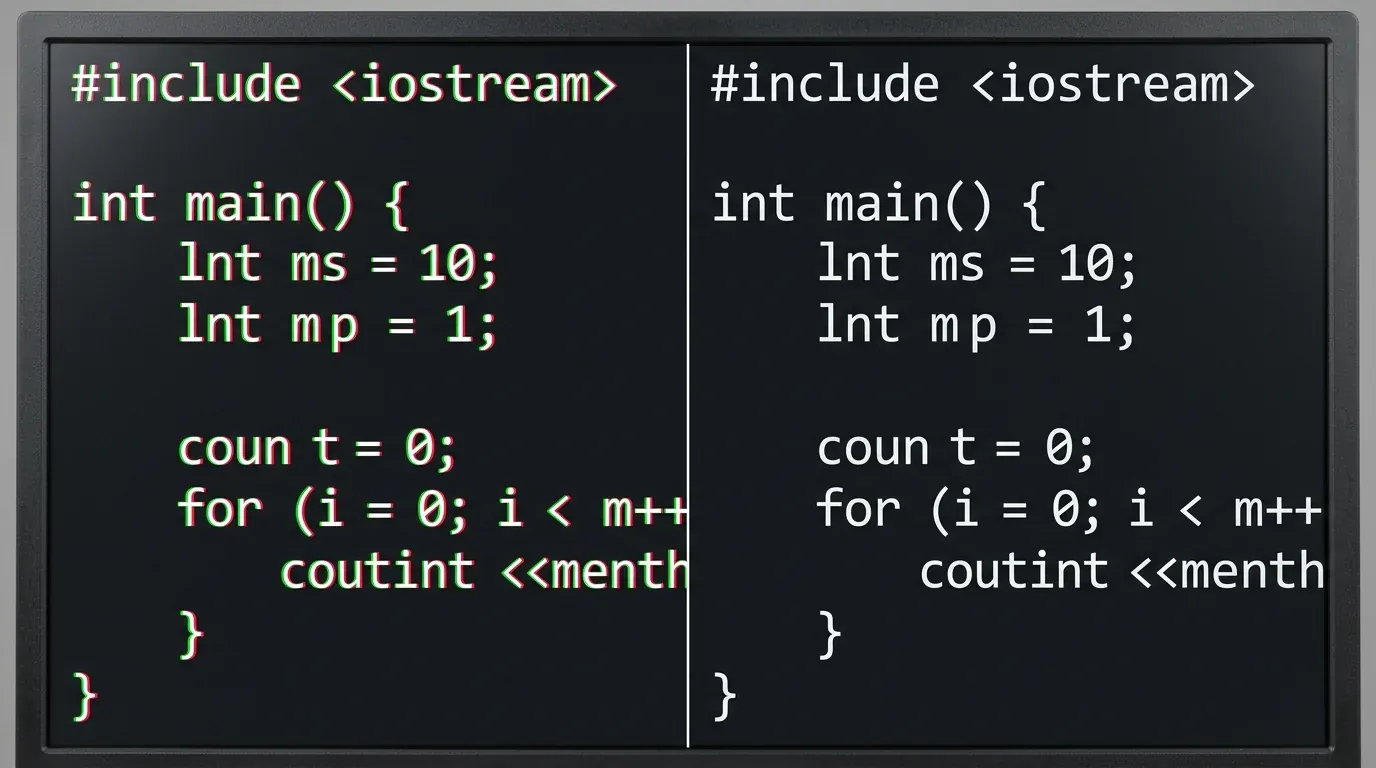
Because the physical pixels sit in a different configuration than the operating system expects, the standard antialiasing math fails. The smoothing software incorrectly guesses where the pixel edges are.
The result? Noticeable pink and green color fringing wrapping around the edges of text. For users staring at terminal windows or integrated development environments (IDEs) for hours, this optical artifact rapidly causes severe eye strain.
Until Windows and Apple overhaul their core text rendering engines to natively support triangular and WRGB subpixel layouts, the hardware mismatch will persist. Developers are keeping their traditional IPS panels purely for drafting and coding, leaving the QD-OLED screens strictly for gaming and media consumption.