
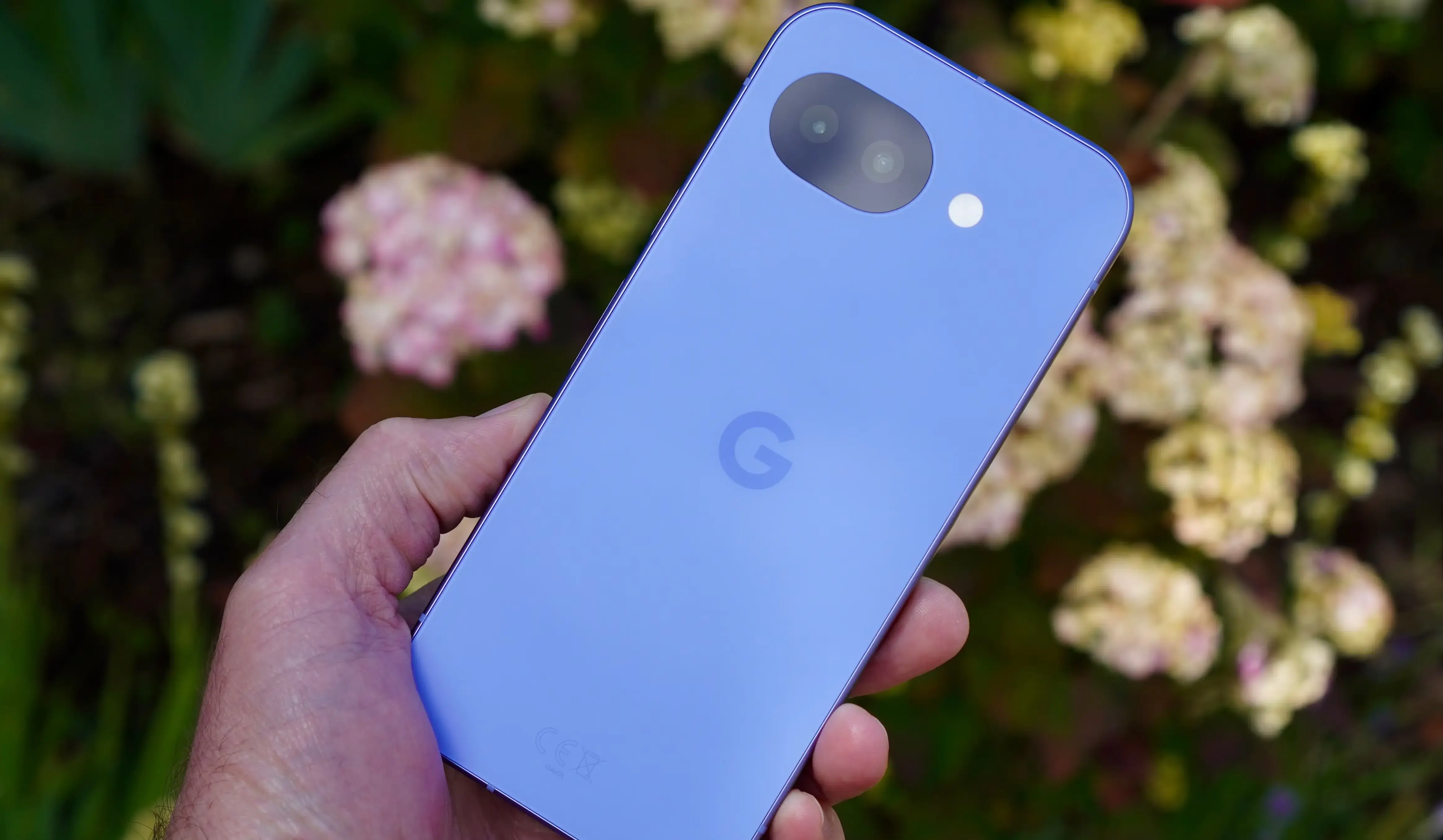
Modern smartphones are running into a physical wall. Between on-device AI models running constantly in the background and blazing-fast 5G network handoffs, the processors inside our pockets are running hotter than ever. When you push a handset to its limit—like running Android Auto while downloading large files at maximum screen brightness—the hardware struggles to dissipate that heat.
Google built safety mechanisms directly into the operating system to handle this exact problem. When a Pixel becomes too warm, the system kernel automatically throttles the CPU performance, disables the camera flash, and intentionally pauses 5G connectivity to force the temperature down. You can prevent your phone from ever reaching that panic state by toggling three specific Android settings: Adaptive Charging, Adaptive Battery, and background app restrictions.
What We Know
- Adaptive Charging stops the battery from pulling maximum wattage when you plug it in overnight, reducing sustained heat and preserving long-term cell health.
- Adaptive Battery actively monitors your usage habits and cuts off system resources to apps you rarely open.
- Users can manually disable Allow Background Usage on specific, heavy applications to stop passive battery drain.
I love pushing my hardware, but no one likes holding a phone that feels like a hand warmer. The most effective step you can take right now is to dig into your app settings and find the worst offenders. Social media apps and poorly optimized games constantly ping servers for updates even when you are not using them. Flipping the background usage toggle off puts those apps in a deep sleep until you actually tap their icons.
These thermal challenges are not unique to Google hardware. The entire mobile industry is fighting the same battle. According to a recent optimization guide, Apple’s flagship iPhone 17 Pro gets just as hot when trying to emulate retro games or connect to smart car dashboards. The chips are powerful, but the cooling solutions are still limited by the glass and metal chassis.
Why Flagship Processors Keep Hitting the Thermal Wall
We are asking mobile processors to do the job of desktop computers. The push toward high-refresh-rate displays and instantaneous AI processing means the internal components draw more power than previous generations. Because phones lack physical cooling fans, the heat simply spreads across the back glass.
This is why software optimization is more important in 2026 than raw hardware specs. Manufacturers rely heavily on machine learning algorithms like Adaptive Battery to manage power distribution. By intentionally starving unused apps of resources, the operating system keeps the primary cores frosty. It is a balancing act between delivering immediate performance when you open the camera and maintaining a stable temperature while the phone sits in your pocket.