
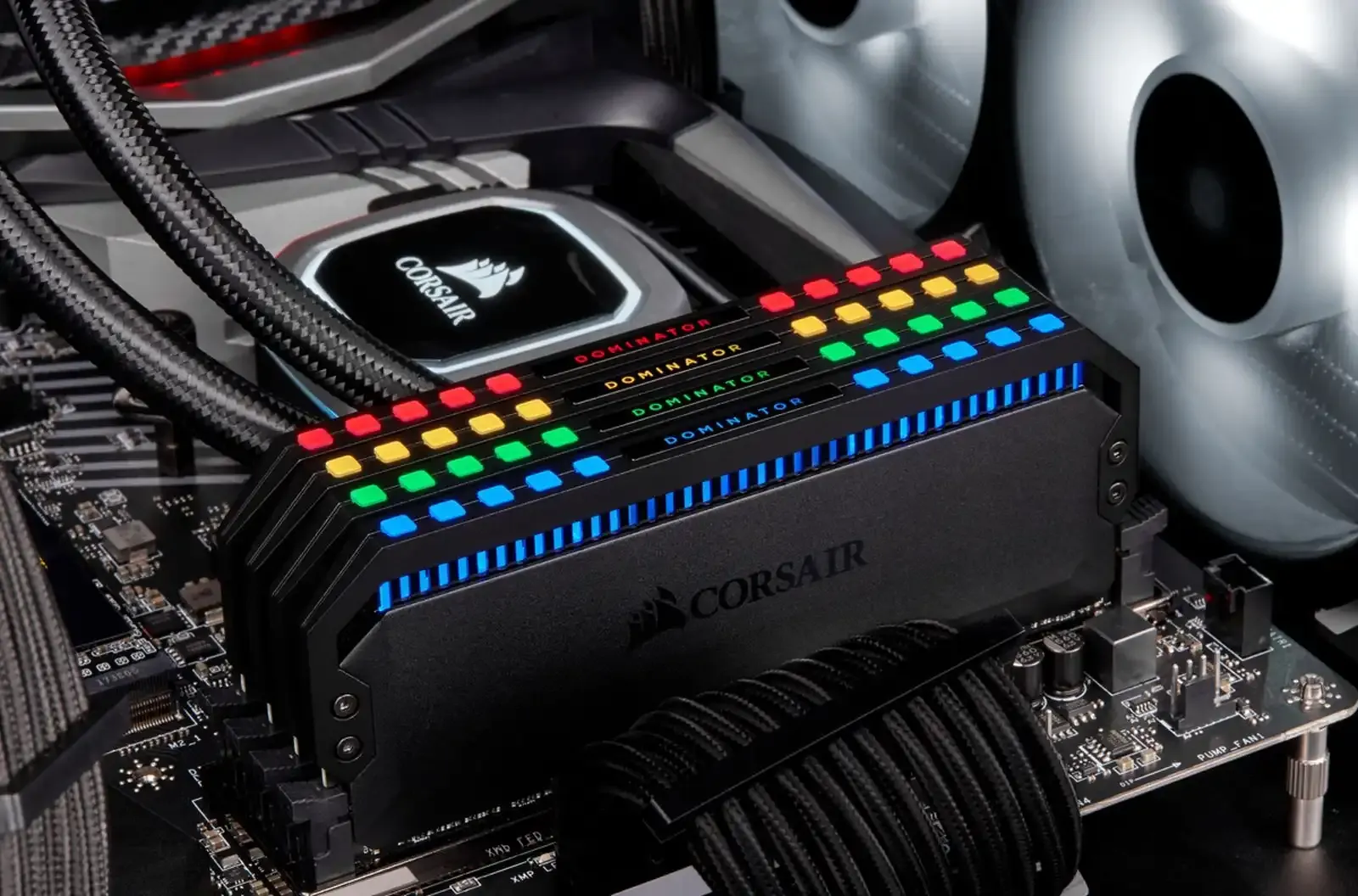
Building a home server is an incredible project, but new builders consistently underestimate one specific component. Network Attached Storage units require more memory than most beginners realize. For basic home use in 2026, 8GB of RAM is the absolute minimum requirement to ensure system stability. If you want the best balance of pricing and performance, you should target a 16GB kit for your build.
The primary reason for this memory appetite is the ZFS filesystem. ZFS uses an Adaptive Replacement Cache (ARC) that dynamically consumes available physical memory to maximize read and write performance. By default, ARC scaling allocates up to half of your system memory just to keep your files moving quickly. You can explore the technical details of these NAS RAM requirements to see exactly how caching behaves under load.
Beyond basic file storage, modern homelabs rarely sit idle. Running self-hosted applications via Docker containers or launching virtual machines adds significant overhead to your system. Platforms like TrueNAS and Unraid encourage virtualization, which quickly makes baseline hardware configurations inadequate. A recent verified community discussion confirms that real-world RAM usage spikes heavily once you start deploying Docker applications alongside your storage arrays.
For over a decade, a strict rule of thumb dictated that users must install 1GB of RAM for every 1TB of raw storage. That rule is completely debunked for standard home users today. The 1GB per 1TB ratio only strictly applies to high-IOPS enterprise environments utilizing block deduplication.
Enabling data deduplication drastically increases memory table size requirements. Standard users are advised to leave deduplication off entirely. Instead, you can rely on the built-in on-the-fly compression ZFS provides to save space without the heavy memory penalty.
How Virtualization Changes Your Hardware Budget
You do not need to overspend on 100GB memory kits for a home server. The functional shift in community recommendations focuses entirely on application hosting rather than raw storage capacity. Users hosting heavy virtual machine disk images or utilizing Level 2 ARC cache drives see the highest return on investment from maximizing their physical memory.
Allocate your budget toward a reliable 16GB or 32GB setup. Skip the enterprise deduplication features, turn on standard compression, and give your self-hosted applications the breathing room they need to run smoothly.