
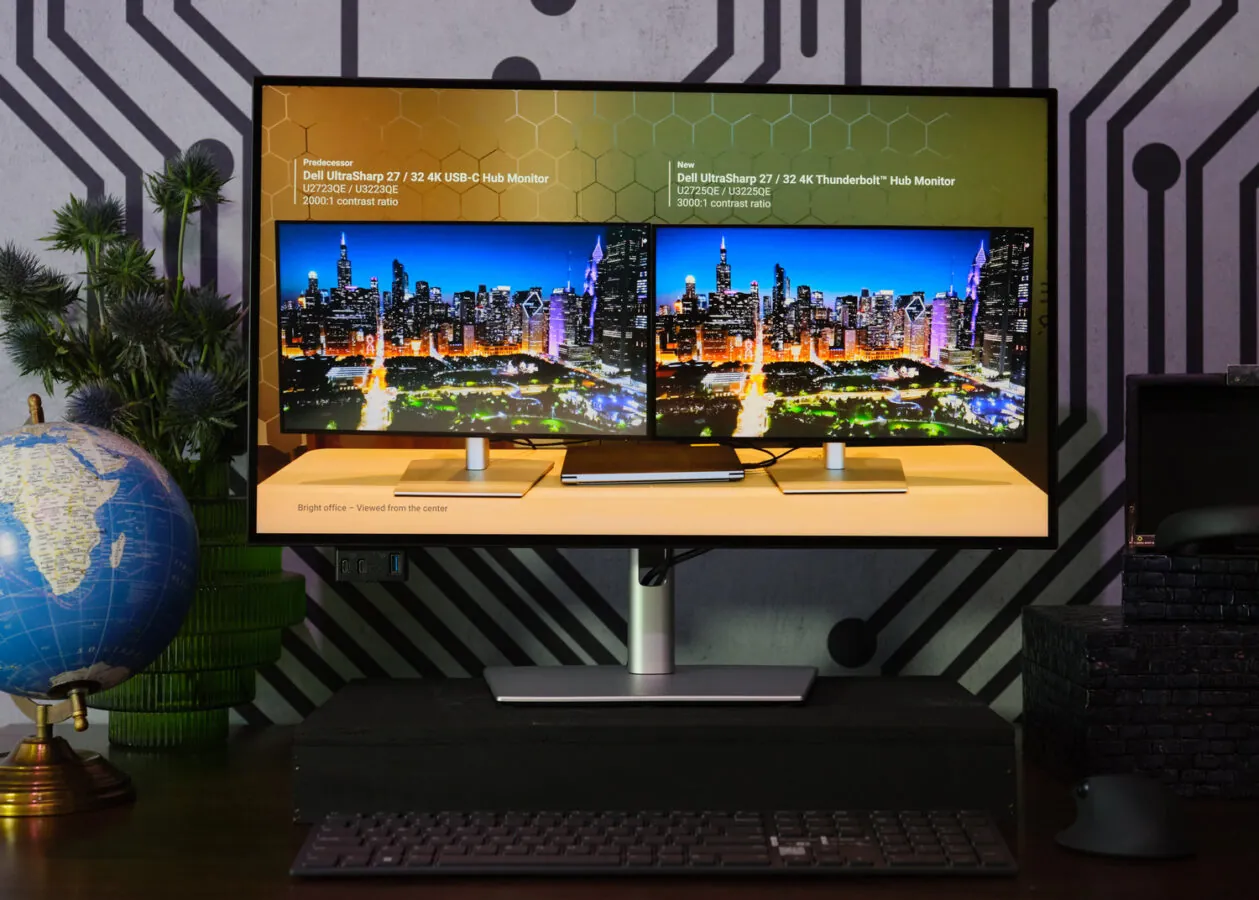
The global shift toward hybrid work turned home offices into tangled nests of wires, power bricks, and scattered dongles. But a built-in fix is likely sitting right in front of you. Your monitor’s built-in USB hub is an oft-ignored feature that drastically improves workspace cable management without requiring the purchase of additional hardware.
We spend hours agonizing over which mechanical keyboard or ultra-lightweight wireless mouse to buy. Then we plug them directly into the back of a PC chassis under the desk. This creates a mess of cables and actually hurts wireless performance. Connecting peripheral dongles directly into the monitor brings the receivers physically closer to the devices they control on your desk.
The Physics of Wireless Dongle Placement
This simple adjustment significantly reduces signal interference. USB 3.0 ports on motherboards often emit high-frequency electromagnetic noise that scrambles 2.4GHz wireless connections. Moving your wireless receiver up to the display isolates the signal and stops cursor stutter. The proximity simply gives your mouse a cleaner connection.
There is a specific way to route this setup. You must connect a single upstream cable from your PC to the monitor. This bridge allows the display to act as a pass-through for data. You then plug your accessories into the downstream ports located on the bottom or side bezels of the screen. Testing shows that modern displays add a negligible amount of latency for standard inputs, making this routing safe even for fast-paced gaming.
Optimizing Your High-Bandwidth Ports
Rerouting your basic accessories to the monitor does more than just clean up your desk. It frees up the critical, high-speed ports on your computer for devices that actually require maximum data throughput. Keyboards and office headsets barely use any data. External solid-state drives and advanced capture cards demand huge pipelines.
You do have to watch your traffic limits. When high-bandwidth devices share an upstream USB-C connection, they compete for packet routing. If you run a 4K webcam, a gigabit Ethernet adapter, and a hard drive through your monitor all at once, you will overload the controller. Keep the monitor hub reserved for simple input devices to maintain a snappy, responsive feel.
How Monitor Hubs Are Cannibalizing the External Dock Market
The widespread integration of full-featured USB hubs into modern monitors is actively changing how we buy desk hardware. Consumers are increasingly bypassing expensive standalone docking stations in favor of single-cable USB-C monitor setups. Displays from manufacturers like Dell, NZXT, and MSI now feature robust internal controllers that handle video, data, and laptop power delivery simultaneously.
This integrated approach offers a more reliable and visually clean intentional setup. It bypasses the frustrating firmware glitches and compatibility issues often experienced with dedicated external hubs. By turning the screen itself into the central connectivity point, users eliminate a redundant piece of plastic from their desk entirely. The hardware we already own is quietly becoming the only hub we actually need.