
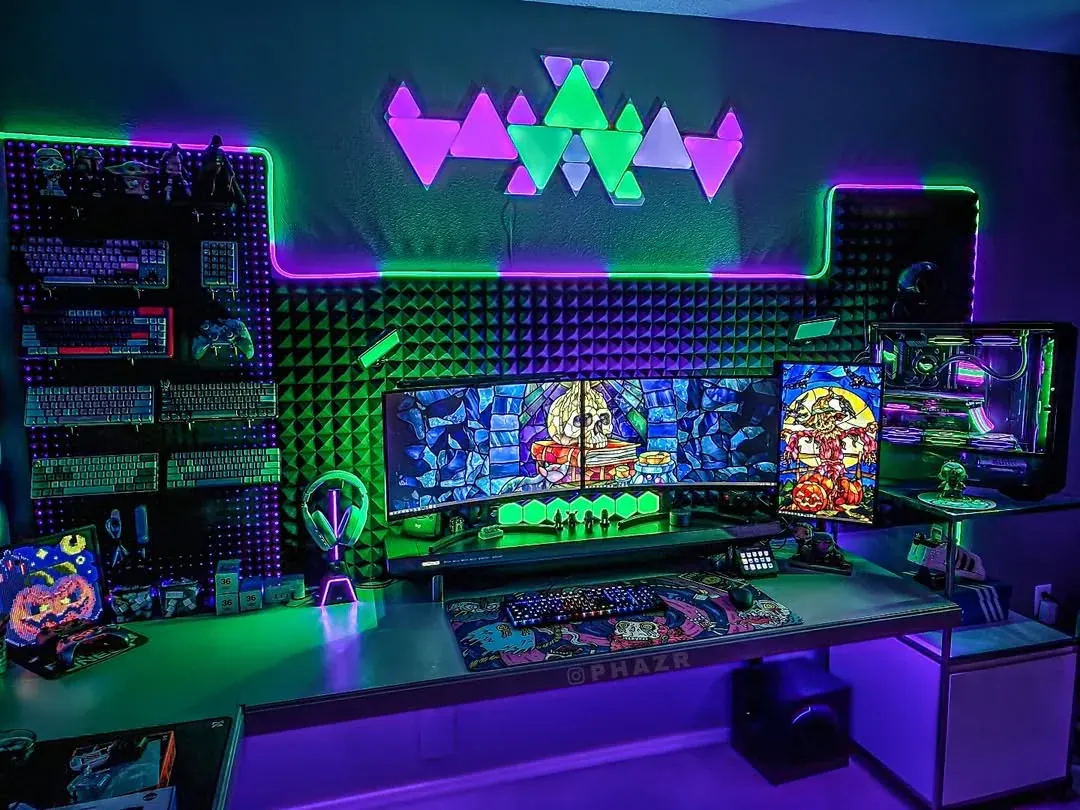
The engineering behind modern digital displays is incredible. A monitor’s refresh rate dictates exactly how many times per second the screen updates its image. We measure this raw speed in Hertz (Hz). A higher refresh rate directly reduces motion blur and improves overall visual clarity. This physical speed advantage helps players track moving targets and react faster in competitive environments. The relationship between your monitor’s processing speed and your computer’s graphical output—specifically the FPS in gaming—determines how fluid the action feels on your desk.
Many people wonder if buying a faster monitor actually translates to better gameplay. The hardware data shows a physical difference in how fast pixels respond to hand movements. Moving away from standard hardware toward high-refresh-rate displays creates a measurable drop in input lag. A faster monitor gives you new visual information sooner than a slow one.
When you move a mouse, the computer processes that physical movement and tells the game engine to shift the camera. The game engine renders a new frame. The monitor then draws that frame on the screen. If the monitor only updates 60 times a second, that drawn frame sits on the screen longer, creating a tiny but perceptible delay. Faster hardware updates cut down that waiting period so your physical actions map cleanly to the digital world.
Comparing Hardware Tiers: 60Hz to 240Hz and Beyond
Looking at the different tiers of monitors helps explain where the advantages lie. The standard baseline for basic office computers and older setups is 60Hz. The screen updates 60 times a second. This handles everyday tasks just fine. Fast camera pans in competitive games on these screens usually result in heavy motion blur. The delay between clicking a mouse and seeing the action on screen is noticeable once you experience faster hardware. A player running at 60Hz is literally seeing an older version of the game state than a player running at high speeds.
The jump to 144Hz is what hardware reviewers consider a highly practical upgrade path. This tier acts as a middle ground for most gamers. You get a large improvement without needing top-tier professional gear. Upgrading to a 144Hz monitor has less than half the input lag of a standard 60Hz display. Your physical mouse and keyboard inputs translate to the screen in a fraction of the time. You get an easily perceptible leap in responsiveness.
Hardcore players looking for marginal edges usually target 240Hz displays or newer models reaching up to 320Hz. The science backs up this hardware preference for competitive environments. Researchers testing visual limits found that 240Hz displays provide a direct competitive advantage in esports tasks. Hardware studies confirm that for specific targeting tasks, the monitor’s refresh rate can sometimes matter even more than system latency.
Professional esports competitors treat these high-speed panels as required equipment. Hardware analysis of professional setups shows they abandoned 60Hz displays almost entirely. A university study analyzing professional player gear indicated that nearly half of the analyzed pros play on 240Hz monitors. Slightly less than half use 144Hz monitors. Only a tiny fraction still rely on standard 60Hz displays. To compete at the highest level, players eliminate hardware bottlenecks wherever possible.
Diagnosing Visual Friction: Common Issues and Fixes
The sheer speed of modern gaming introduces specific visual errors when the hardware cannot keep up with the game engine. Screen tearing is one of the most frequent visual problems players encounter. This happens when the graphics card sends frames faster than the monitor can display them. The display ends up showing information from multiple frames in a single draw. This creates an ugly horizontal split or “tear” across the image.
Higher refresh rates naturally mitigate screen tearing because the monitor draws frames fast enough to keep up with the game. As Lenovo’s knowledge base notes, updating images more frequently reduces visual blur and helps players react faster during rapid camera movements. The visual feed stays intact. You get a much more immersive and less visually disruptive experience during chaotic moments.
A persistent hardware myth suggested that the human eye cannot see past a certain frame limit. Older gaming forums often claimed you could not perceive anything above 60 frames per second. Recent scientific testing disproves this idea entirely. Humans do not process vision in flat static frames like a camera. Our eyes track continuous movement.
Hardware insights demonstrate that human visual perception can detect differences well beyond the 240Hz mark. This reality is thoroughly detailed in an exploration of gaming hardware by HP. Players notice these ultra-high refresh rates specifically during fast-tracking scenarios where they must respond to sudden visual stimuli. The extra visual information helps the brain track object trajectory and speed with greater precision.
Fixing visual friction comes down to aligning the graphics card output with the monitor’s capabilities. If a player uses a 240Hz monitor but the computer can only generate 60 frames per second, the display will just repeat the same frame multiple times. To get the actual input lag reduction, the computer must generate enough unique frames to feed the monitor’s high refresh rate. Players often lower in-game visual settings like shadows or texture resolutions. This guarantees the computer pushes out frames fast enough to match the monitor’s blazing speed.
Beyond the Setup: Alternative Use Cases for High Refresh Rates
The benefits of fast monitor updates extend outside of competitive video games. Over the past few years, high-refresh-rate displays became popular in office environments and professional workflows. The hardware industry no longer restricts these fast panels to gaming setups. General consumers now see the value in smoother visual performance for mundane tasks.
Displays offering 120Hz to 200Hz are increasingly recommended for remote workers. Scrolling through long documents or busy websites on a standard 60Hz screen causes the text to blur. Your eyes have to constantly refocus once the scrolling stops. High-refresh-rate displays make web browsing and window management feel significantly smoother.
The reduction in motion blur makes long hours of reading less fatiguing for everyday users. The text remains sharp even while the page is moving. You can scan lines of text while the scroll wheel is still turning. Graphic designers and video editors also use these faster panels to interact with software interfaces more comfortably. Moving windows, scrubbing through timelines, and zooming in on large canvases feels instantaneous. The technology that gives an esports competitor a targeting advantage is the exact same technology that stops a dense spreadsheet from turning into a gray smear.
Frequently Asked Questions
Does a higher refresh rate actually lower input lag?
Yes. A 144Hz monitor updates the screen much faster than a standard display. This results in less than half the input lag of a 60Hz monitor. Physical mouse and keyboard movements feel instantly translated to the screen because the hardware waits less time to draw the next visual frame.
Can the human eye actually see a difference at 240Hz?
Yes. While the human eye does not have a fixed “refresh rate,” studies show that players can perceive visual differences well beyond 240Hz. This happens specifically when trying to track moving targets or respond to sudden visual changes in fast-paced games.
What refresh rate do professional gamers use?
The vast majority of professional gamers use 144Hz or 240Hz monitors. Hardware analysis shows that nearly half of pros use 240Hz screens and slightly less than half use 144Hz screens. Only a tiny fraction still play on 60Hz monitors in competitive settings.