
You pay for gigabit internet, unbox a fresh router, and expect everything to load instantly. But somehow, your Wi-Fi still stutters during an evening Netflix binge. That lag usually isn’t a problem with your broadband provider. Instead, the bottleneck sits right inside the plastic box transmitting the signal.
According to a recent breakdown by XDA Developers detailing four overlooked Wi-Fi configurations, average users are leaving serious performance on the table. Modern hardware ships with advanced capabilities buried inside intimidating administrator menus. Simply tweaking a few dropdowns can radically improve how data moves through your home.
Adjusting Your Channel Width
Most people know they should switch to a less congested Wi-Fi channel. Far fewer realize they also need to adjust the channel width. Routers let you choose between bands like 20MHz, 40MHz, or 80MHz. Wider channels offer higher raw speeds. But there is a catch. The wider the channel, the more prone it is to picking up interference from your neighbor’s network. Dropping down to a narrower width often provides a slower but much more reliable connection that feels faster in daily use.
The Airtime Fairness Fix
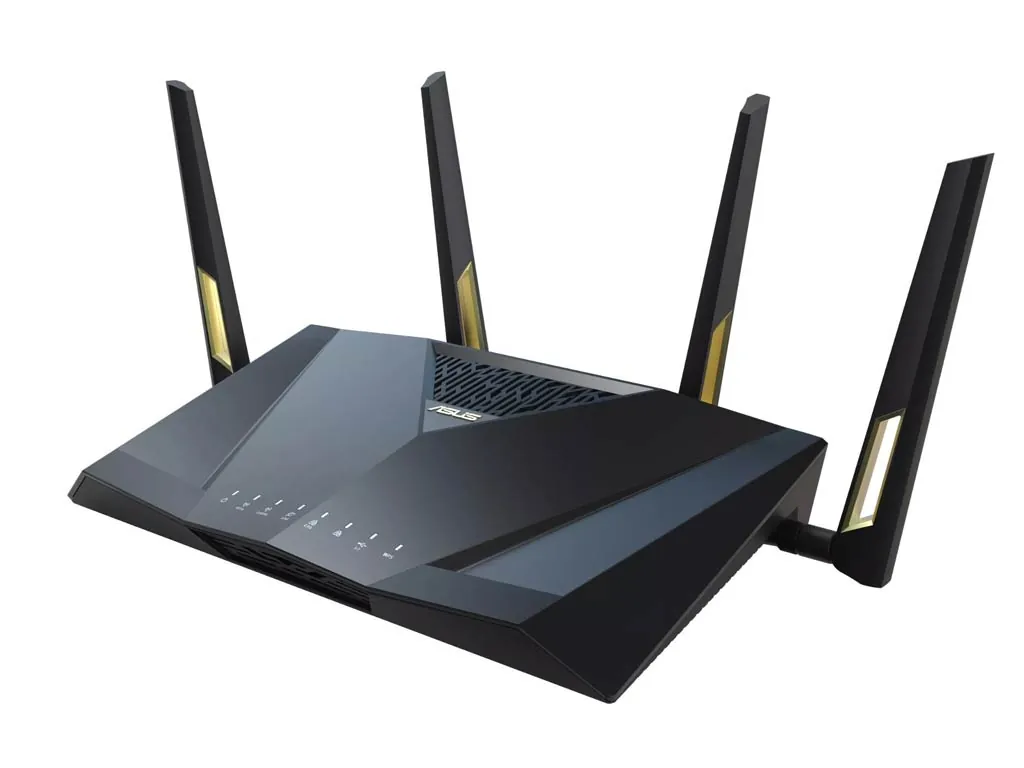
A decade ago, only expensive corporate hardware monitored individual device demands. Today, standard consumer gear like the Asus RT-AX88U include advanced tools like Airtime Fairness right in the default firmware. And you absolutely need to turn it on.
What does it do? It stops old gadgets from ruining the party. Older smartphones and cheap tablets process data slowly. Without airtime prioritization, your router waits around for these slow devices to finish receiving packets, pausing transmission to your brand-new laptop. Flipping this setting on forces the router to allocate equal transmission time to all devices, preventing legacy tech from monopolizing the bandwidth.
Isolating IoT Devices With a VLAN
Smart lightbulbs, security cameras, and connected thermostats are notoriously bad at handling Wi-Fi efficiently. They frequently rely on outdated wireless standards and ping the network constantly. Even worse, they are prime targets for cyberattacks.
Moving these smart home gadgets onto a separate Virtual Local Area Network (VLAN) solves both problems. A VLAN isolates the noisy traffic away from your primary devices. Your gaming console and streaming TV no longer have to fight for air space with a smart fridge.
Wiring the Mesh Backhaul
Mesh Wi-Fi systems are fantastic for covering dead zones. But if you connect the nodes entirely wirelessly, they have to use up half their available bandwidth just to talk to each other. Running a cheap Ethernet cable between the main router and the satellite nodes creates a wired backhaul. The result? The nodes communicate instantly over the wire, freeing up 100 percent of the wireless frequency for your actual phones and computers.
Why Corporate Security Trickled Down to Home Networks
Historically, features like VLAN tagging and granular channel width controls were strictly reserved for small business networking solutions. Home routers shipped with highly simplified, plug-and-play interfaces to reduce customer support calls.
That hardware philosophy has entirely inverted. As the average household device count crossed 20 gadgets per home, basic consumer routing logic began to fail under the congestion. Manufacturers realized they had to unlock enterprise-grade traffic management for everyday users just to keep home networks functional. If you take ten minutes to explore the advanced tab in your router login page today, you are essentially operating a full-scale IT switchboard that used to cost thousands of dollars.