
With the global shift toward remote work and cloud-dependent infrastructure, continuous internet access has transitioned from a basic convenience to a critical necessity. Even a brief localized internet outage caused by severe weather, infrastructure damage, or network congestion can result in significant productivity loss for home offices. The standard response is usually to sit around and wait it out. But that downtime is entirely avoidable.
Understanding the rising necessity of failover cellular connections for remote work and smart home stability reveals a simple truth. You likely already own the hardware needed to fix the problem. Instead of throwing an aging 4G or 5G device into a desk drawer, you can repurpose it to keep your entire digital life online.
Three Reliable Connection Methods
Converting that spare hardware into a functional network node takes just a few minutes. According to an XDA Developers guide authored by Hamlin Rozario, there are three distinct approaches to establishing this connection, depending entirely on your specific hardware needs.
- The Mobile Hotspot: This is the most straightforward approach. You utilize the phone’s built-in capability to broadcast a Wi-Fi network. Nearby laptops and tablets can easily connect to it without requiring any extra cables.
- USB Tethering: If you need a more stable connection with lower latency, plug the phone directly into a computer using a standard USB cable. This wired solution provides a highly secure data transfer while simultaneously keeping the Android device fully charged.
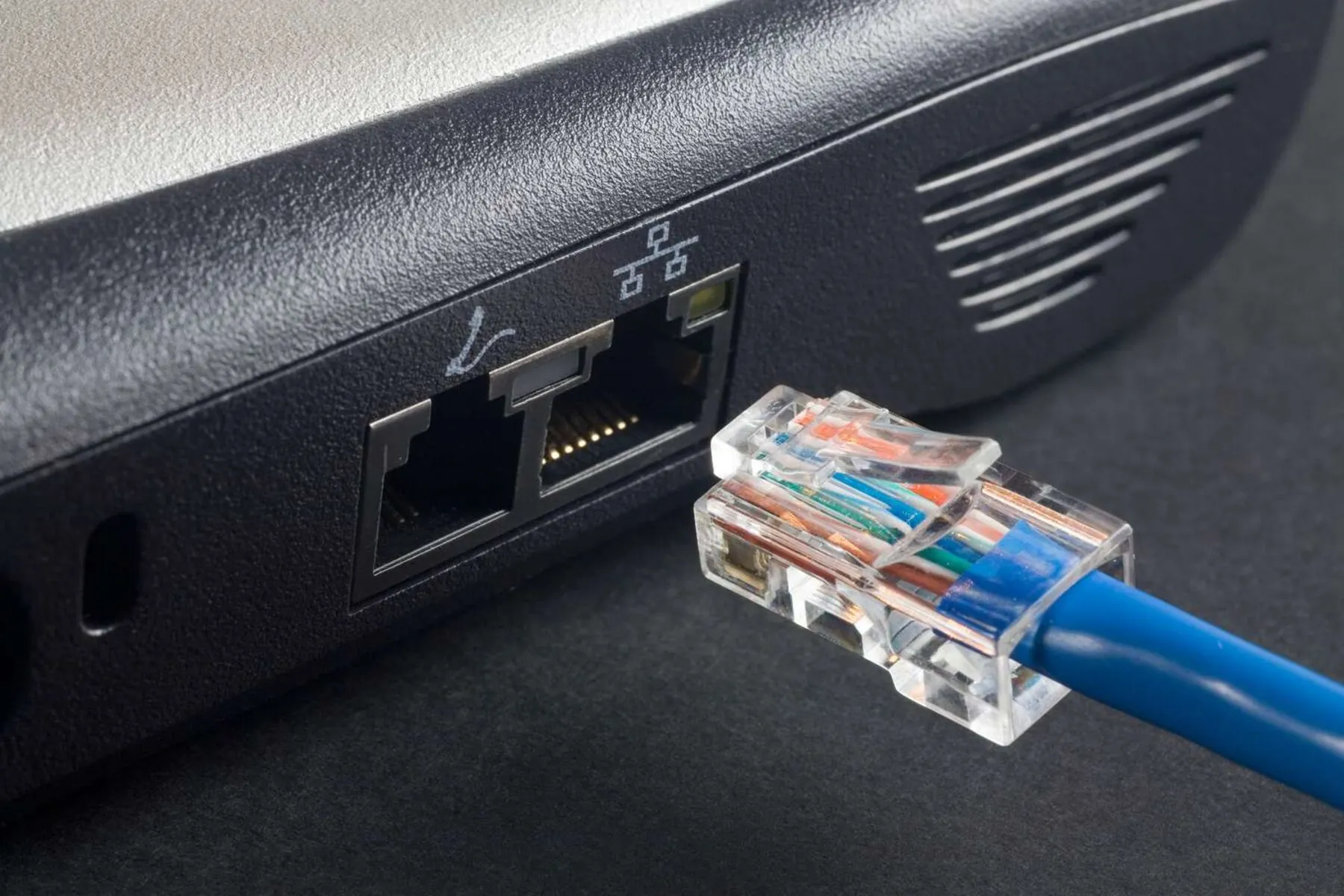
- Ethernet Tethering: This is a more specialized wired alternative. By attaching a USB-C to Ethernet adapter to the phone, you can hardwire the cellular connection directly to devices that lack USB tethering support. Think smart TVs or older desktop setups with dedicated Ethernet ports.
Why DIY Redundancy Bypasses Corporate Subscriptions
Major internet service providers and corporate networking companies frequently push enterprise-grade solutions for this exact problem. Brands like Verizon and Ubiquiti actively sell dedicated cellular backup routers paired with premium monthly failover plans. They aggressively market these products as “unbreakable Wi-Fi” for remote professionals.
Those enterprise systems work perfectly well. And they cost a premium. Repurposing an aging Android device provides a highly effective, zero-cost DIY redundancy solution that achieves the exact same goal for everyday remote workers. You get the stability of a secondary network without adding another recurring charge to your monthly billing statement. And the next time your primary ISP drops the ball, you won’t miss a beat.