
Every avid gamer knows that the mouse is one of the most important components of a gaming setup. After years of development on gaming smartphones, RedMagic now presents its fans with the gaming mouse.
In the last few days I had the opportunity to test this first RedMagic gaming mouse, and in this article I will tell you my conclusions. A game design that is still convenient to use at work. Come and get to know him better.

RedMagic Gaming Mouse Key Features
- Up to 16.8 million colors in light effects
- Weight of only 75 grams
- PixArt PAW3395 Sensor
- Up to 26000 DPI, 650 IPS and 50G acceleration
- Lifespan of up to 80 million clicks
- Three modes: wired, 2.4G wireless and Bluetooth
- Macro programming and intelligent control with RedMagic Cloud
- 450mAh battery
Unboxing the RedMagic Gaming Mouse
The RedMagic Gaming Mouse offers an unboxing experience that matches what we have on your latest smartphone. That’s why we have a silver box, with everything you need to start using the product.
In addition to the mouse, we find the USB-C to USB-A cable that you can use connected or to charge it. The dongle for 2.4G connection is integrated into the body of the mouse, and in the box you will also find accessories to attach and improve the sliding effect of the product.

My take on the RedMagic Gaming Mouse
Design, construction and comfort
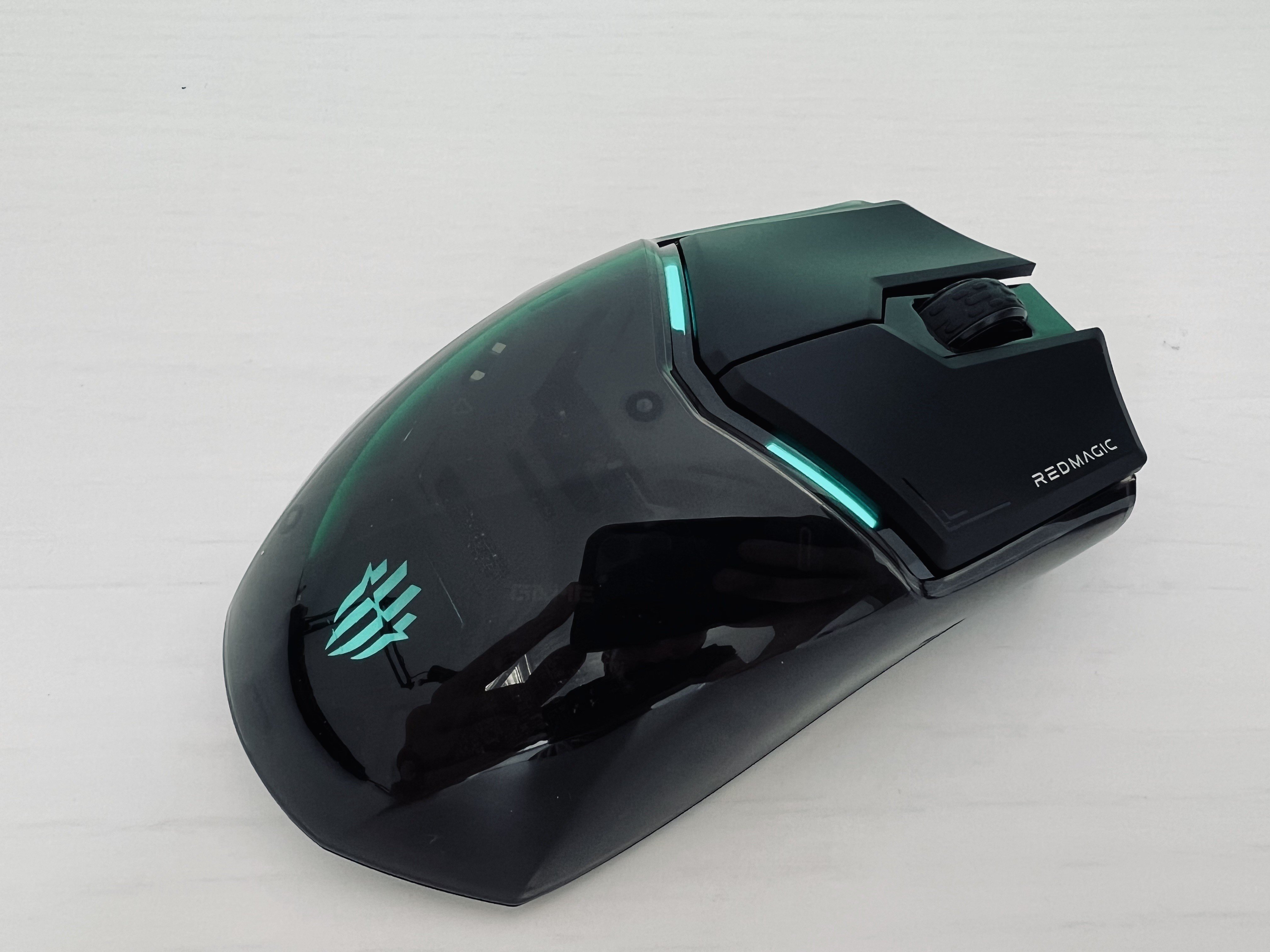
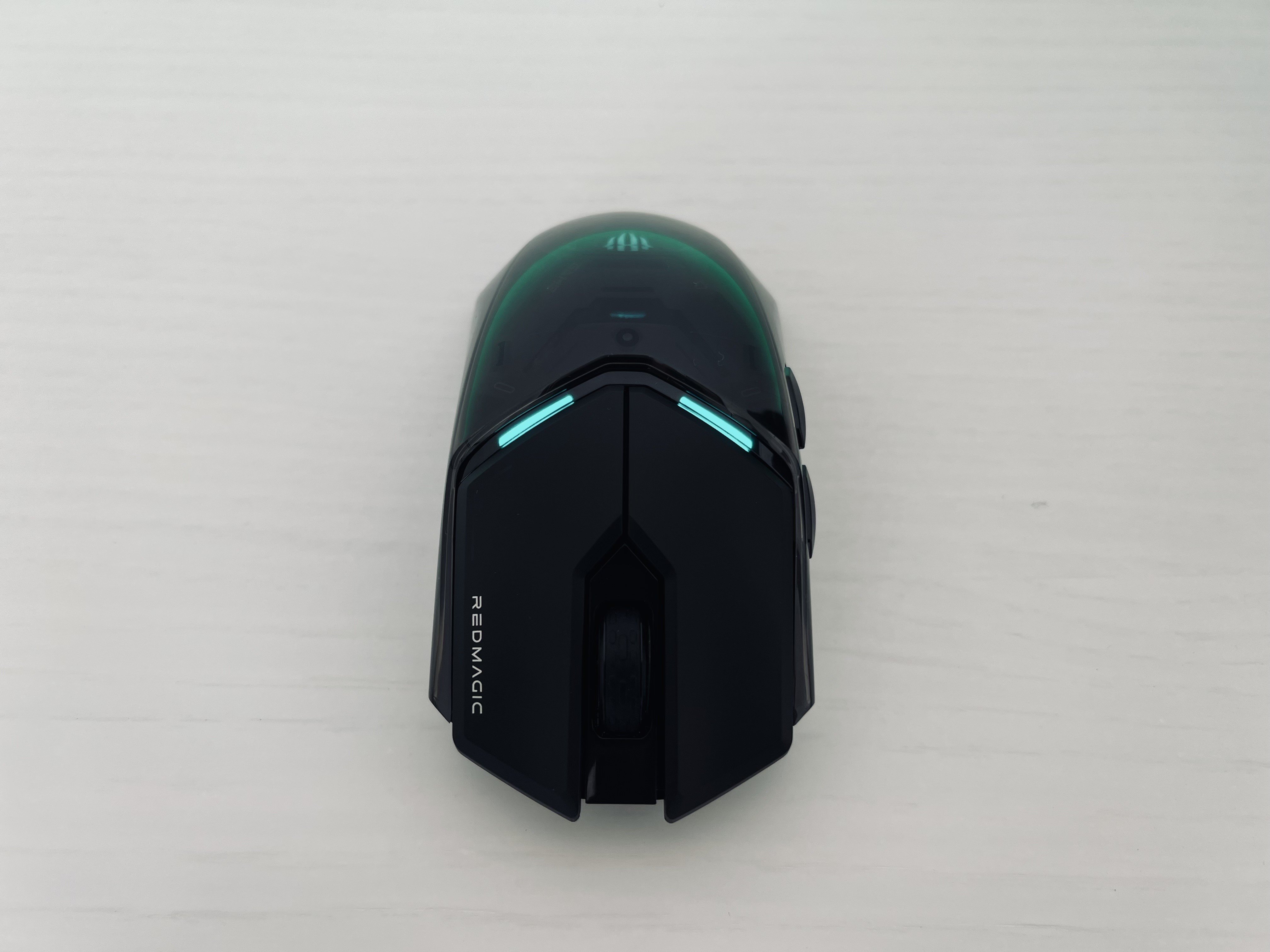
As soon as you take the RedMagic Gaming Mouse out of the box, the first feeling is that it is a premium product. The transparent design allows you to admire some of the components inside.
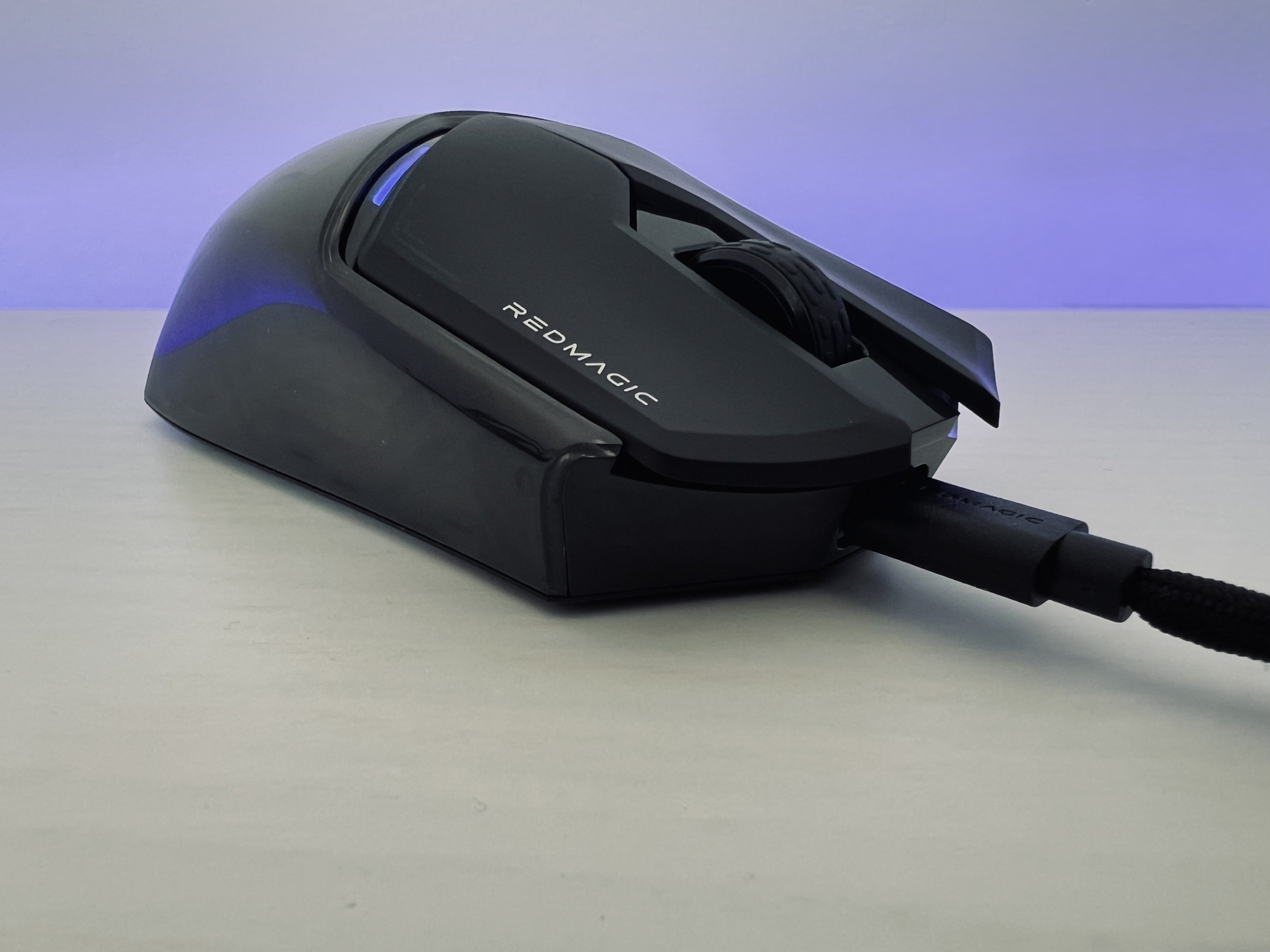
When we lift it up, we see that it has “feather weight”. The fact that it only weighs 75 grams makes it a very comfortable product to handle. And there is no doubt that it offers a lot of comfort even after several hours of use.

Here we have a plastic construction, as usual in this type of product. And the lightness can make you believe that it is a fragile product. But based on my experience these days, it seems to have the potential for durability.
Talking about its design is talking about lighting. This can be customized in the RedMagic Smart Control app and has 16.8 million colours. In one of the areas the RedMagic logo stands out. Despite having a gaming look, it will look good in any work setting, that’s for sure.
Accuracy and functions
The RedMagic Gaming Mouse arrives equipped with the latest technology to give you the best gaming experience possible. As such, it arrives with the PixArt PAW3395 Sensor, which provides a DPI range between 50 and 26000. This provides precision and high fidelity. You can still expect a maximum movement speed of 650 IPS
The GM 8.0 Black Mamba microswitch will provide the product with great durability. According to the brand, it promises to last up to 80 million clicks. Provides millisecond responsiveness for the most demanding users.

Connectivity and latency
The most players hard You’ll want to use the RedMagic Gaming Mouse with its high-quality, cloth-finished USB-C to USB-A cable. But if you’re like me and don’t like cables, you’ll have all the possibilities at hand with triple connectivity.
Flexibility is a strong point in this product. In addition to the cable, we have the 2.4G wireless connection, which works stress-free with the built-in dongle. In addition, we have a Bluetooth connection so you can connect the mouse to any wireless device.

You can expect low latency down to 1 millisecond. This means that this is a mouse for the most demanding gamers, who do not allow lag in every action. In this field we have great speed of response in any of the connectivities you prefer.
Battery
If, like me, you want to use your mouse wirelessly, you won’t have to worry about battery life. The truth is that during these review days I used it daily, and I never had to charge it. The battery capacity of this is 450 mAh.
In practice, the brand promises autonomy of up to 100 hours of use. This means that if you game an average of 5 hours a day, you can expect up to 20 days of battery life without having to worry about recharging.
Obviously the battery will vary from one user to another, and all the potential you want to take away from the mouse. If you want to use RGB lighting to its full potential, for example, you should see these numbers drop.
smart cloud control
Cloud Smart Control is the PC app you’ll want to use to get the most out of your RedMagic Gaming Mouse. This was designed so that you can create and customize macros to your preferences.
In this application you can define certain actions that are associated with the keys. But you can also set the DPI level, “polling rate” and LOD level. It is also possible to configure the time it takes for the mouse to enter “Sleep” mode. But it’s good to note that there are key combinations to change some of the settings on these products.

RedMagic Gaming Mouse Conclusion
For anyone looking for a lightweight, highly accurate gaming mouse with an attractive transparent design, the RedMagic Gaming Mouse is the perfect product. It’s very responsive, customizable, and RGB lighting colors any movement.
Its sensor provides the precision that the most demanding gamers will need, but it does not forget those who do not like cables. This is because it is possible to connect via a 2.4G or Bluetooth dongle. The only point that may discourage some consumers is the high price, considering that it is a first generation product.

Although there are more expensive gaming mice, the RedMagic Gaming Mouse is introduced to the market for €99. This is the price at which the product can already be purchased through the official website of the brand, which sells directly to Portugal.
Learn more about RedMagic gaming mouse pricing and shipping

Strengths of the RedMagic Gaming Mouse
- Transparent design with RGB lighting
- High precision up to 26000 DPI
- ‘Featherweight’ weight of just 75 grams
- Personalization via Smart Control app
- triple connectivity
Points to improve RedMagic Gaming Mouse
- Expensive for a first generation product.