
Something big is happening in the tech world. Many are calling 2025 the “Year of Linux.” This shift isn’t by chance. Windows 10 support is ending. Microsoft’s recent strategies are rubbing some the wrong way. Plus, there’s a growing desire for nations to control their own digital tools. This perfect storm has pushed many to consider open-source options.
LibreOffice, a popular open-source office suite, is seizing this moment. They want users to consider their software over Microsoft Office. To help people make the jump, LibreOffice just released a set of new user guides. These guides aim to smooth the path for anyone looking to switch.
The guides were launched alongside LibreOffice version 25.2. They are completely free to download. These new materials cover all the applications found in an office suite. They help users understand the different commands and features. The guides also highlight some unique things LibreOffice can do. They even suggest ways to use functions not yet directly supported.
It’s true that LibreOffice looks a bit like older Microsoft Office versions. Think before Office 2013, before Microsoft added so much extra stuff. But moving to any new software can still feel tricky. Young users, or those who haven’t used Linux much, might find it confusing. These new guides are like a friendly map, making the journey much simpler.
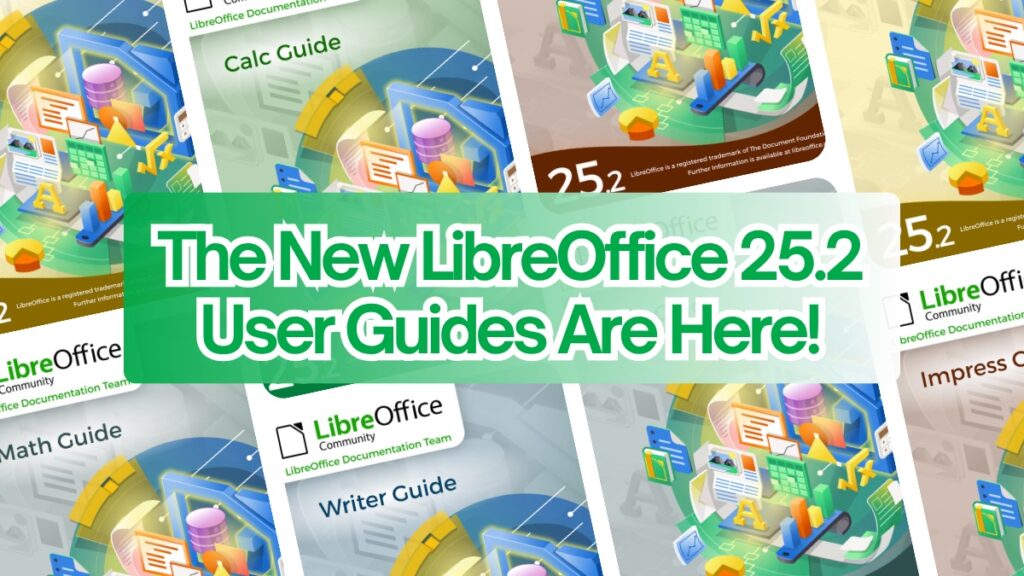
The LibreOffice 25.2 guides are a big step in getting more people to use the software. The entire project is run by its community. The Document Foundation, which oversees LibreOffice, says these guides are the best place to learn. Whether you use LibreOffice at home, school, or work, they cover everything. From spreadsheets to presentations, text documents to complex math, it’s all explained clearly.
The Document Foundation also issued a stern warning. They spoke about the true costs of upgrading to Windows 11. It’s not just about security updates. Windows 11 pushes you deeper into Microsoft’s cloud. It forces users to rely on Microsoft accounts and services. This can lead to higher expenses through subscriptions and licenses. More importantly, it can limit your control over your own computer. You also have less say in how your data is handled.
This issue of control is vital for many, especially governments. Many countries are choosing to move from Microsoft to Linux. They want to take back control of their information. Moving to open-source software means you aren’t tied to one company. You can install an operating system without worrying about strict hardware rules. It’s about digital freedom for everyone.