
Google has just launched the rollout of the Android 12 update to smartphones in the Pixel range. This twelfth major Android update is currently landing on all models launched since 2018. We explain how to install it as soon as possible on your Google phone.
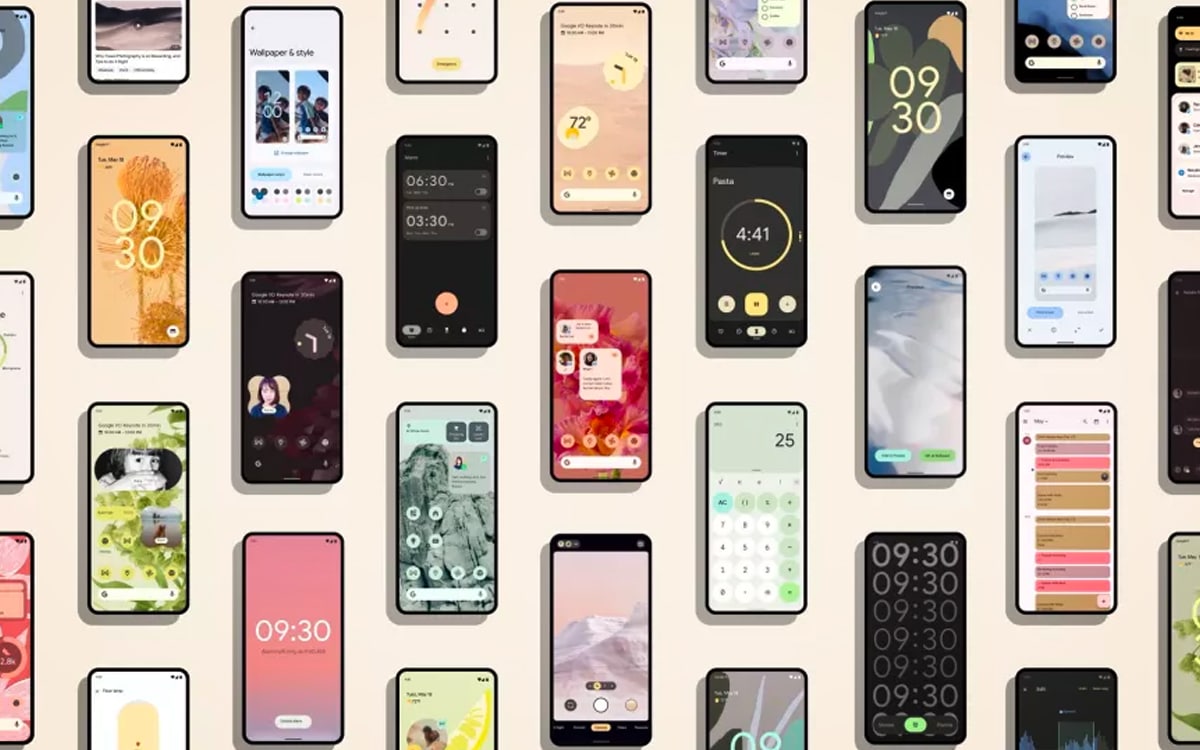
This Tuesday, October 19, 2021, Google lifts the veil on the new Pixel 6 / Pixel 6 Pro. In parallel with the conference dedicated to new high-end flagships, the Mountain View giant announced the deployment of Android 12 on the smartphones in its catalog.
This year Android 12 arrives with a little behind Google’s habits. Usually, the last major Android update is available on the Pixels as early as September. This year, Google even waited several weeks after adding Android 12 code to AOSP (Android Open Source Project).
Read also: Getting started Pixel 6 and 6 Pro – the design of the first phones running Android 12 will be debated
How to install the Android 12 update on your Google Pixel?
As always, Pixels are the first Android smartphones to upgrade to the new version of the operating system. This year, all Pixels launched since 2018, namely Pixel 3, Pixel 3XL, Pixel 3a, Pixel 4, Pixel 4a, Pixel 5 and Pixel 5a. Pixel 2 are not entitled to update. The Pixel 6 will hit the market with Android 12 preinstalled. Follow the instructions below to install the new version of Android:
- See you in the Settings of your Google Pixel
- Click on System, then on advanced settings
- Go to System update
- Follow the instructions on the screen
The update should be posted on your Pixel shortly. For owners of a Samsung, Xiaomi, OnePlus, Oppo or Sony smartphone, they will have to wait. As always, the update will be first offered on the brand’s latest high-end smartphones. For example, Samsung will begin the deployment of Android 12 on smartphones in its catalog, starting with the Galaxy S21, from December 2021.
Among the major new features of Android 12These include a new interface for the notifications panel, simplified quick settings, privacy options inspired by iOS and a new widget for “Conversations”.