
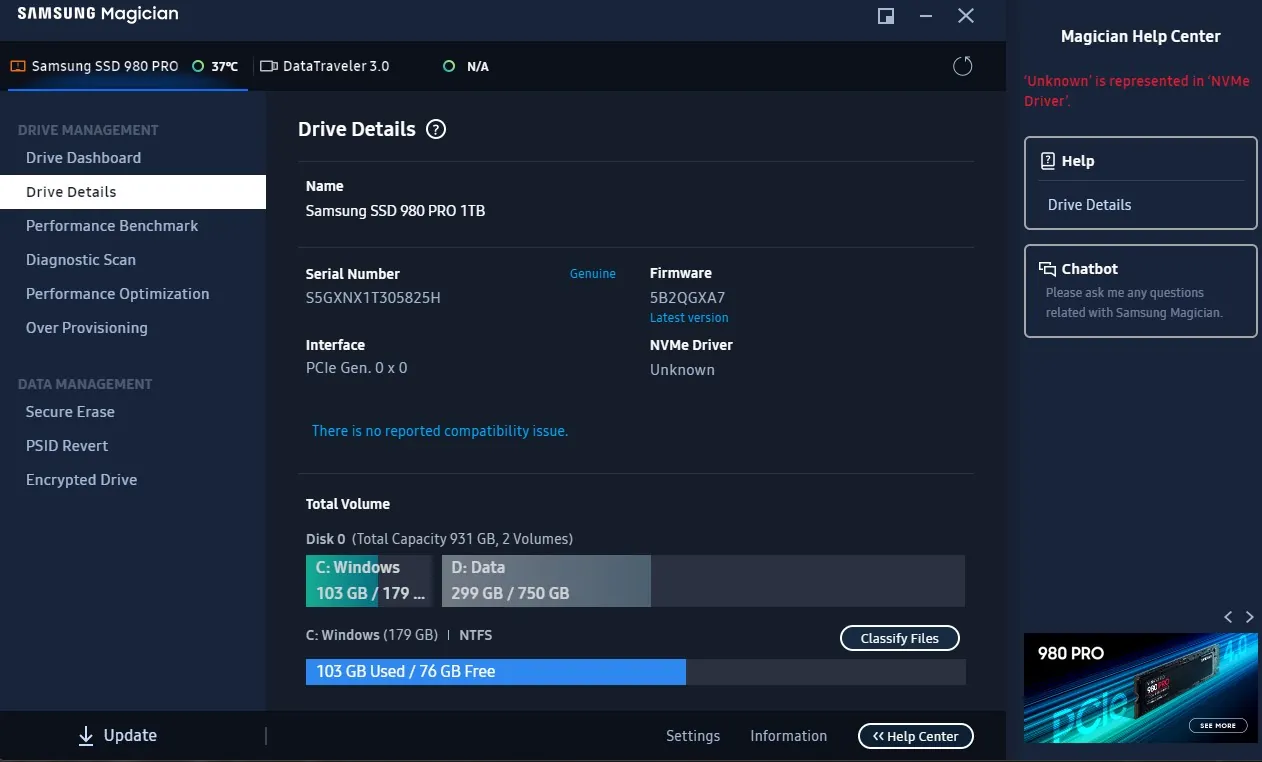
Most PC builders and hardware enthusiasts rely on dashboard storage utilities to check if their drives are dying. You open Samsung Magician or CrystalDiskInfo, see a “95% Good” health status, and assume your data is perfectly safe. But a detailed report released on Thursday reveals that this top-level percentage is highly misleading and can mask imminent hardware failure.
Unlike old mechanical hard drives that gave physical warning signs like clicking or grinding before they died, Solid-State Drives (SSDs) fail silently. By the time that friendly green health bar drops to a warning level, your drive could abruptly lock itself into a read-only mode, putting your files at immediate risk.
The standard health percentage shown in most popular utilities is simply a calculation of the “Percentage Used” S.M.A.R.T. attribute. This metric only tracks how much of the manufacturer’s certified lifespan—known as Terabytes Written, or TBW—has been exhausted. A drive can easily report excellent health while silently suffering from severe read and write errors, according to an XDA-Developers guide detailing how SSD health percentages mask underlying disk write errors.
As an SSD degrades, the drive’s controller handles error corrections internally. It uses a hidden pool of “Available Reserved Blocks” to quietly replace failing memory sectors. Because this overprovisioning works in the background, surface-level health indicators remain deceptively high until the reserve pool runs completely dry.
To figure out if your storage is actually failing, you have to dig into the raw telemetry data. Modern NVMe drives track up to 255 distinct pieces of information, but only a handful matter for predicting a crash. Users must actively check specific underlying stats like Media and Data Integrity Errors, Critical Warnings, and the Number of Error Information Log Entries, as outlined in a How-To Geek explainer on which specific SMART stats matter. If the Uncorrectable Sector Count shows any number greater than zero, back up your data immediately.
Why Overprovisioning Creates a False Sense of Security in Modern NVMe Drives
The disconnect between what monitoring software shows and what is actually happening inside the hardware highlights a fundamental shift in storage technology. Historically, mechanical drive health could be easily gauged by physical stability and read delays. If a platter struggled to spin, the software flagged it immediately.
Modern PCIe Gen3, Gen4, and Gen5 NVMe drives operate differently. They utilize aggressive wear-leveling algorithms that artificially inflate perceived health scores. The drive’s controller is designed to hide failing NAND flash memory cells from the operating system to keep performance smooth. It does this job so well that the computer remains entirely unaware of the degradation until the SSD reaches its absolute physical limit and crashes. Relying solely on the top-level dashboard score means you are waiting for the software to tell you the drive is dead, rather than catching the early warning signs that it is dying.