
Application Programming Interfaces are the invisible nervous system of modern software. They allow entirely separate digital systems to communicate in milliseconds. You hand a server a cryptographic string—an API token—and the server hands back the data you requested. It is a brilliant system. But servers have finite physical limits. If your application fires off too many requests too quickly, the host server will slam the door shut. To monitor API token usage limits in development environments, you must actively track total API calls, error rates, and backend latencies using centralized dashboards. You have to watch these numbers closely. Doing so keeps your applications online and prevents unexpected network blockages.
Understanding how to manage these digital passports gives you total control over how your code interacts with the outside world. Tokens dictate speed, access, and reliability. When you lose track of them, your software breaks.
Step-by-Step Instructions for Token Monitoring
Tracking token usage is exactly like watching traffic flow across a complex, microscopic highway system. You need sensors at every major intersection to see where the congestion happens. Developers follow a strict sequence to keep their applications running.
Step 1: Monitor Core Latency and Error Metrics
You start by tracking the most basic numbers. You must log total API calls and the number of unique API consumers. This tells you exactly who is using your system and how heavily. Developers also distinguish between total latency and backend latency. Total latency measures the entire round trip of the data packet across the internet. Backend latency only measures the time the server actually spends processing the request. Watching these numbers reveals if a slowdown is a network issue or a server issue.
Step 2: Set Up Centralized Dashboards
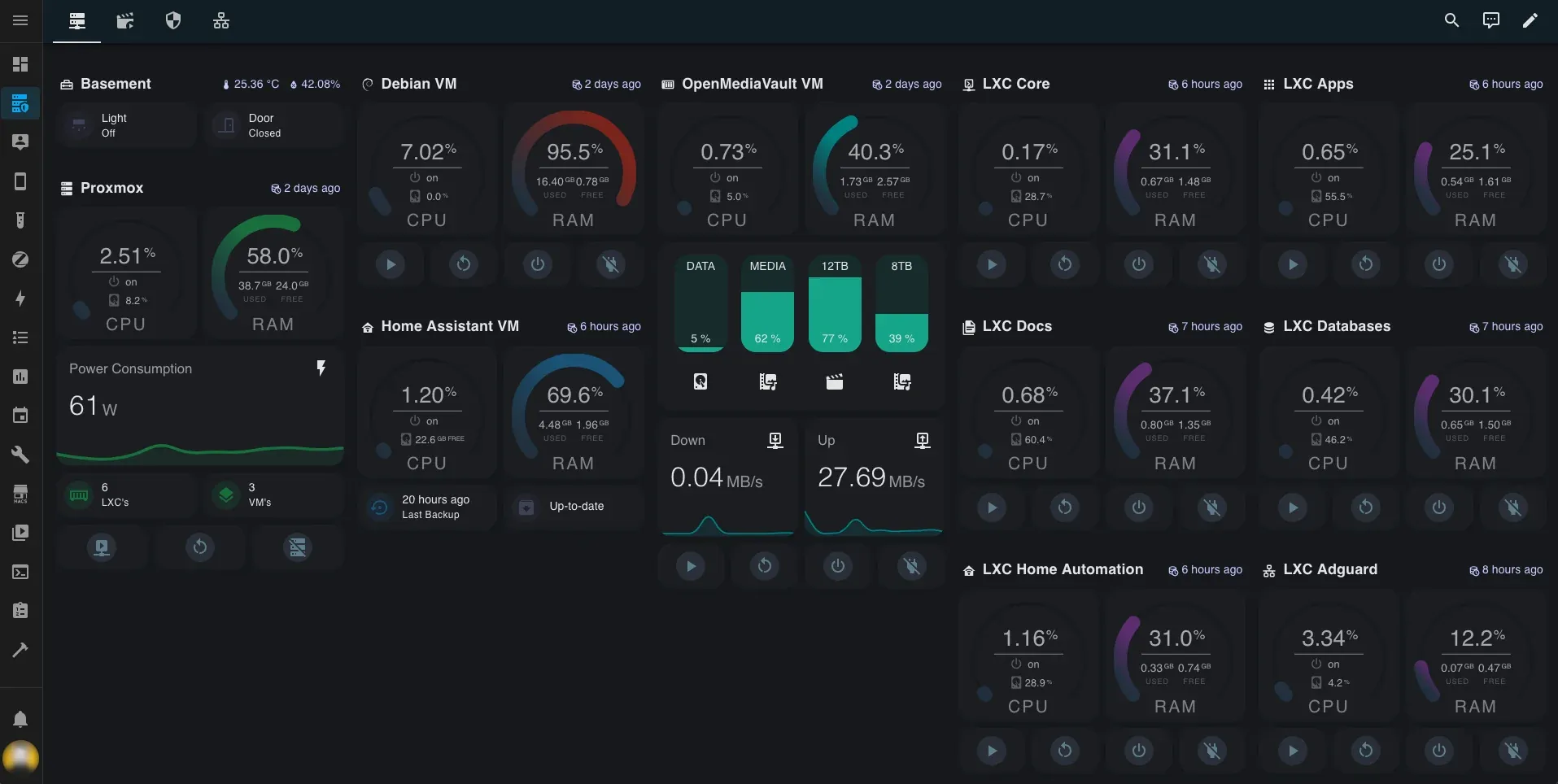
You cannot track thousands of rapid-fire requests manually. Human reaction time is too slow. Developers rely on platforms like the Google Cloud API Dashboard to do the heavy lifting. These visual control rooms monitor traffic requests per second and track median latency across all enabled APIs in real-time. Teams rely on these centralized platforms to track these standard usage and latency metrics continuously. You configure active alerts here. Before a token quota reaches zero, the dashboard fires off a warning to the engineering team.
Step 3: Implement Distributed Tracing
Modern applications are intensely complicated. They rely on distributed systems where a single user click might trigger a dozen different microservices simultaneously. To monitor token consumption in this environment, you need end-to-end transaction path analysis. Distributed tracing mechanisms act like radioactive dye injected into a bloodstream. You follow a single data request as it bounces from server to server. This lets you troubleshoot the exact root causes of performance degradation. It shows you exactly which script is burning through your token allocation.
Common Issues and Fixes
Even with perfect monitoring sensors in place, your application will eventually hit a wall. You need to know how the system reacts when you ask for too much data too quickly.
The 429 “Too Many Requests” Error
When your code breaches an API token limit, the provider’s server triggers a 429 HTTP error. The server temporarily blocks the user from initiating further calls. This is a purely protective reflex. The server refuses to process any more data until a specific time window resets. If your application does not know how to handle this error, it will simply freeze or crash for the end-user.
Fixing It With Exponential Backoff
The immediate fix requires changing how your application asks for data after a rejection. You do not just hammer the server with immediate retries. That makes the problem worse. Instead, developers write functional logic to implement exponential backoff strategies within their applications. You tell your software to wait one second, then retry. If it fails again, it waits two seconds, then four, then eight. This progressive delay maintains continuous service without overwhelming the angry host system.
The Threat of Poor Token Governance
Ignoring token limits creates severe security vulnerabilities. In May 2026, the Instructure Canvas platform experienced a major security incident directly related to token governance. Unauthorized actors exploited the system’s architecture. Instructure had to react aggressively. They quickly revoked access tokens across the board. They immediately restricted token creation pathways and added layered monitoring to mitigate the ongoing threat. A lack of strict usage tracking leaves the door wide open for malicious exploitation.
Alternative Methods and Rate Limit Mechanics
Rate limits are not just technical roadblocks. Providers use them as highly tuned economic and architectural tools to manage the entire internet.
Resource Protection and Tiered Monetization
A server capable of handling 10,000 requests per minute might deliberately restrict individual users to just 100 requests. This strict rationing acts as a safeguard against single misconfigured scripts exhausting shared server resources entirely. It keeps the system online for everyone else.
Providers also use these exact same limits to enforce tiered monetization. Free users might be heavily capped at 10 calls per day. Paid enterprise customers receive higher quotas or custom service level agreements. The token limit inherently incentivizes users to upgrade to self-service paid plans. It is a brilliantly simple business model.
Real-World Platform Limits
Different tech giants use wildly different allocation models based on the physical realities of their infrastructure. Google Maps actively limits the number of geocoding requests allocated per user to maintain the stability of its massive global mapping network. Twitter operates on shorter burst windows, limiting certain endpoints to 900 requests per 15-minute window. GitHub takes a broader approach, allowing up to 5,000 requests per hour per user access token.
The Great Developer Debate
This strict rationing fuels a recurring debate among engineering communities. Should failed API requests—specifically those blocked by a 429 rate-limit rejection—consume a user’s token quota? Many developers argue forcefully that tokens should not be deducted if no valid response is processed by the server. You should not pay for a failed transaction. Others argue for significantly prorated deductions. The tech industry remains divided on exactly how to charge for these digital traffic jams.
Frequently Asked Questions
What happens when an API token usage limit is exceeded?
When an application hits its allocated limit, the API typically returns a 429 “Too Many Requests” error. The user or application is prevented from making any additional requests. This block remains in place until the rate limit window automatically resets or the user’s subscription tier is upgraded.
How do developers track their API token usage?
Developers use built-in cloud monitoring dashboards to track request counts, error rates, and total consumed allocation quotas in real-time. They rely on these visual tools to configure active alerts, which warn engineering teams before critical token thresholds are breached.
What is the best practice for handling API rate limit errors?
The industry standard is to implement an exponential backoff strategy. This functional logic forces the application to wait progressively longer periods before retrying a failed request. This method prevents the host server from being overwhelmed by an immediate flood of automated retries.