
Enhance Your Gaming Experience with These Tips
Improving your aim on the PS5 can greatly enhance your gaming experience. Here are some tips to help you achieve better accuracy and control.
One simple yet effective method is to create a visual reference point on your screen. This can be done by drawing a small dot in the center of the screen using a non-permanent marker. This dot will serve as a guide to help you gauge your shots and improve your aim.
Another crucial aspect is to adjust your controller settings. The dead zone, which is the area where the joysticks do not register movement, can greatly impact your aim. A dead zone that is too large can make movements feel sluggish, while one that is too small can catch unwanted movements.
Adjusting the sensitivity of the analog sticks is also essential for precise control. Reducing the sensitivity can result in smoother movements, but be careful not to sacrifice speed when turning or reacting.
The DualSense controller features adaptive triggers that offer variable resistance depending on the game context. However, this resistance can be disadvantageous in situations that require quick reactions. Adjusting or disabling the trigger strength can be beneficial in certain games.
Some games incorporate aiming acceleration, which can be useful for casual players but may hinder precise aiming. Disabling this feature can improve your aim, but it’s essential to check if the game includes this option in its control settings.
Using precision mode in certain games, such as shooters, can also enhance your aim. This mode reduces aiming sensitivity, allowing for more precise control. Combining this with custom controller settings can lead to optimal results.
Lastly, keeping your controller clean and in good condition is vital for maintaining optimal performance. Regularly clean your controller with a soft cloth and ensure the joysticks move freely to prevent dust and dirt from affecting your gameplay.
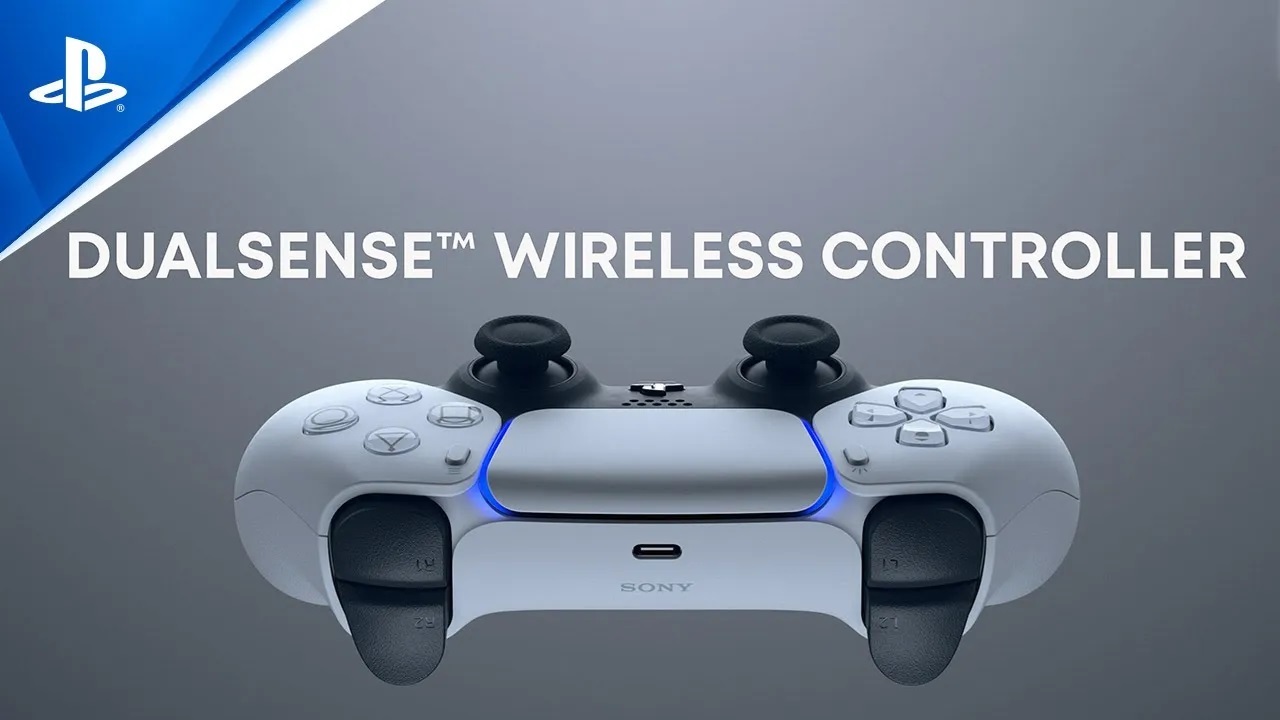
Adjusting Your Controller Settings
Adjusting your controller settings can greatly impact your aim. Here are some steps to follow:
- Set the dead zone: Go to the settings section, select “accessories,” and then choose “DualSense wireless controller.” From there, select “custom profiles” to design a profile specifically for action games.
- Adjust the sensitivity of the analog sticks: Reduce the sensitivity for smoother movements, but be careful not to sacrifice speed when turning or reacting.
- Modify adaptive triggers: Adjust or disable the trigger strength to improve your aim in certain games.
Additional Tips
In addition to adjusting your controller settings, here are some additional tips to improve your aim:
- Use precision mode: In certain games, such as shooters, use precision mode to reduce aiming sensitivity and improve your aim.
- Keep your controller clean and in good condition: Regularly clean your controller with a soft cloth and ensure the joysticks move freely to prevent dust and dirt from affecting your gameplay.